RaiseTouch User Manual Date:03/03/2020
- 60 / 80 -
www.raise3d.com
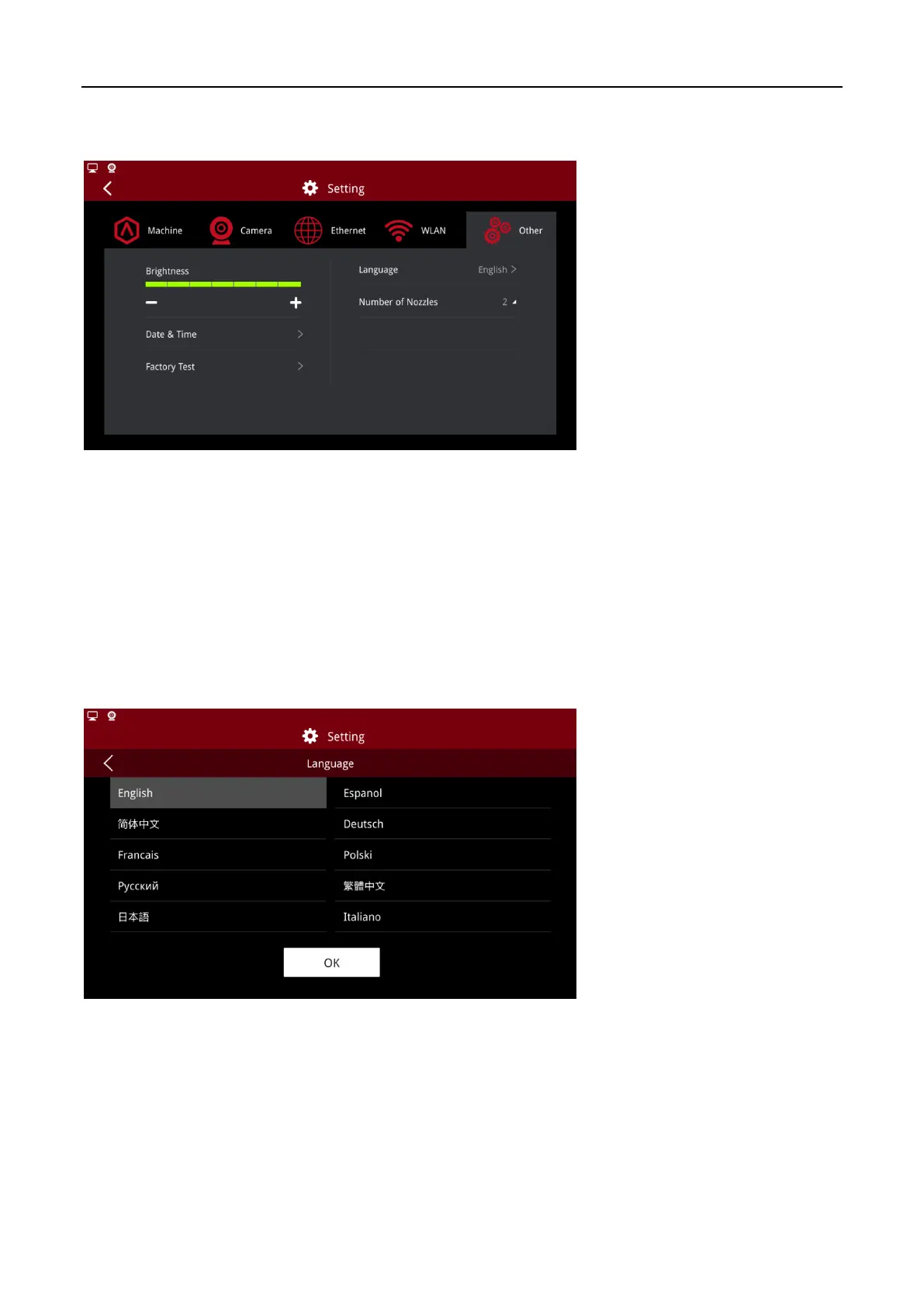
1.5.5 Other
Other Pages
1.5.5.1 Brightness
To control the brightness of the screen, adjust by pressing the “+” or “-” button.
1.5.5.2 Language
Choose the language applied to your printer. Options are available in English, simplified Chinese,
French, Russian, Japanese, Spanish, Polish, Traditional Chinese and Italian.
After you set the language, the changes will take effect after rebooting.
Language Options



 To Next Page