RaiseTouch User Manual Date:03/03/2020
- 66 / 80 -
www.raise3d.com
2.3 Choose a file to print
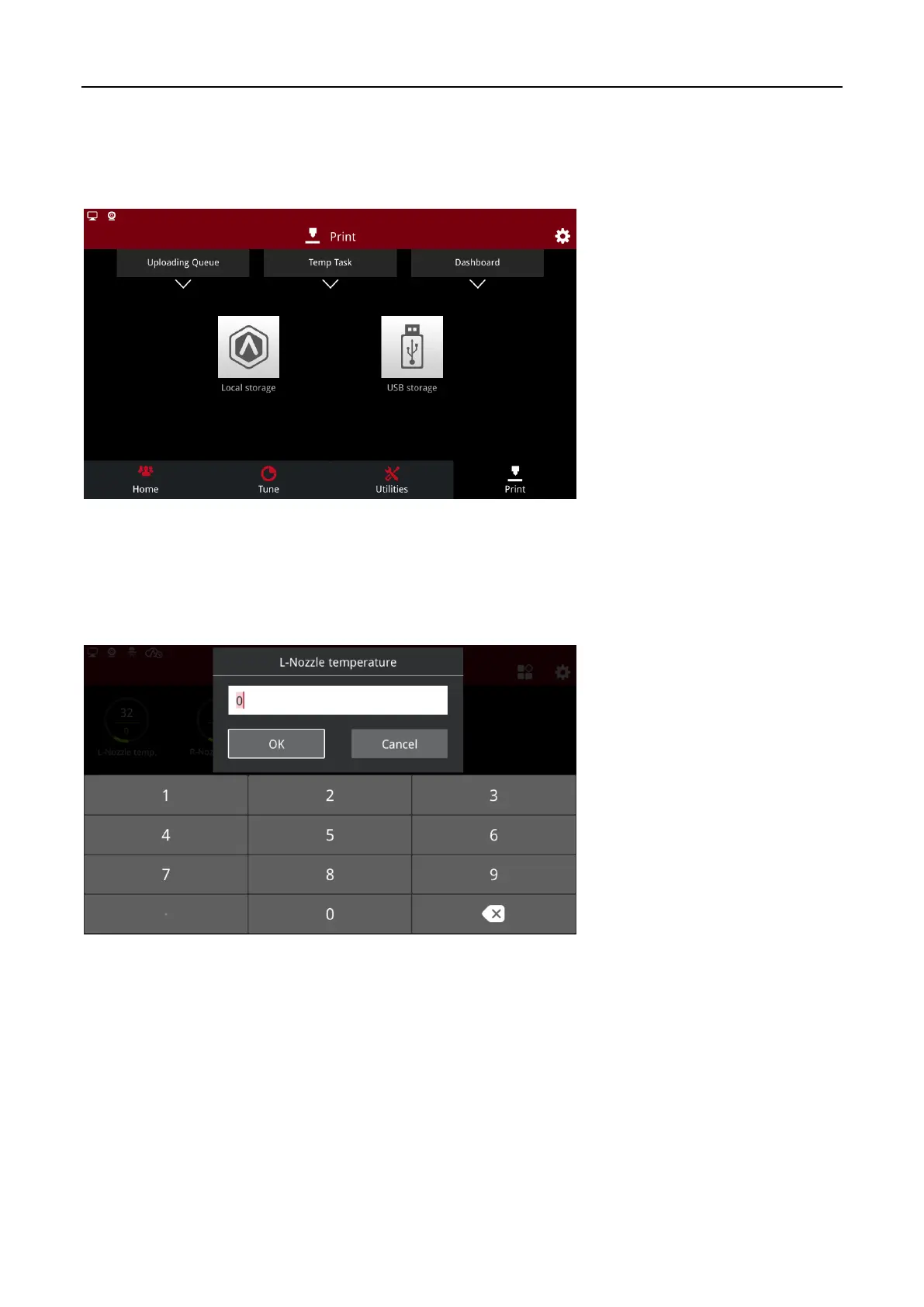
When you want to start a print, open “Print” page, choose a file in Local storage or plug in a USB
disk/SD card, then choose the desired file. Click Print to start the print task.
Select Print File
2.4 Heat up extruder to profile temperature
When starting a print task, it is possible to set the temperature in ideaMaker or set it on the touch
screen.
Set the Nozzle Temperature



 To Next Page