RaiseTouch User Manual Date:03/03/2020
- 72 / 80 -
www.raise3d.com
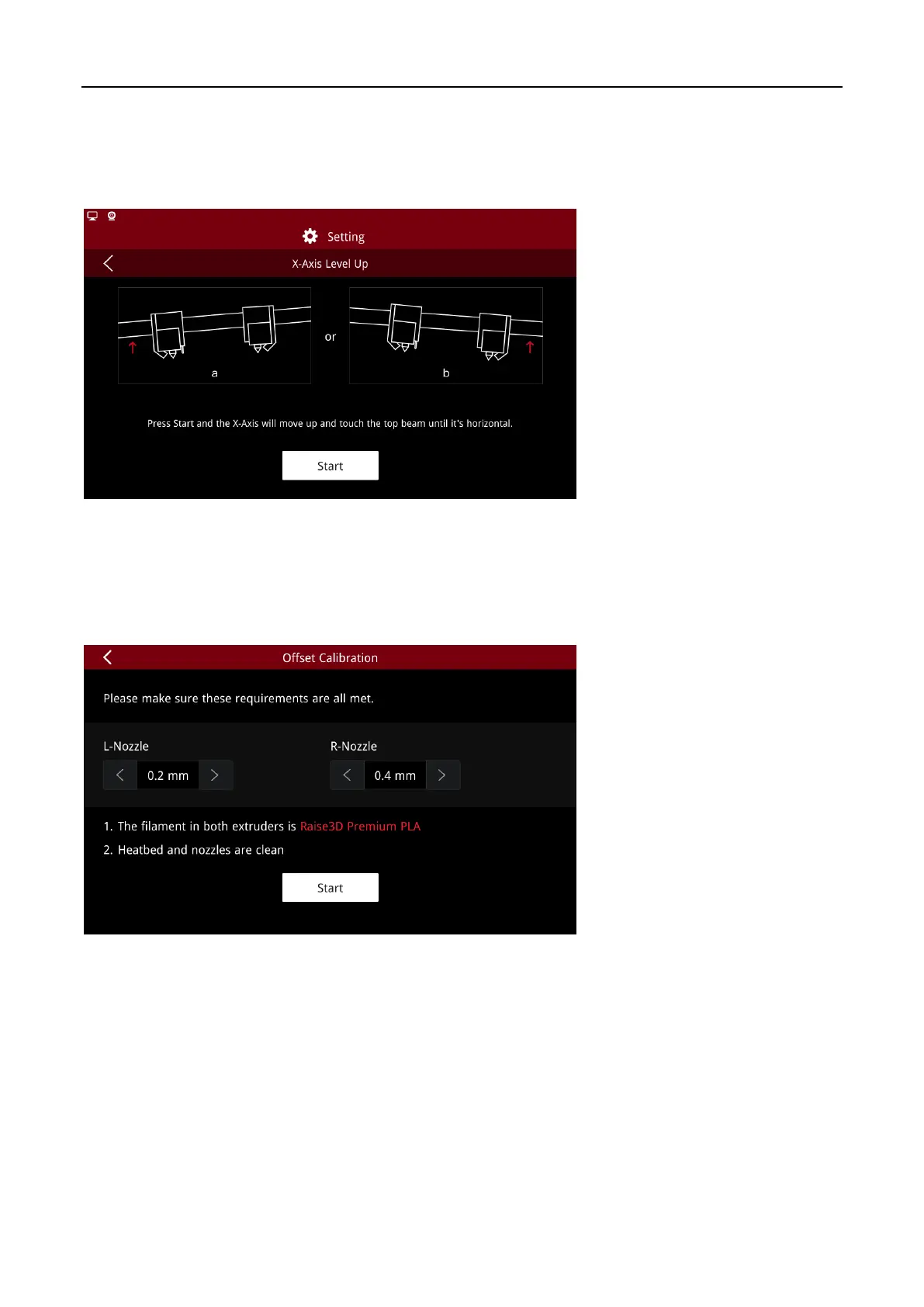
3.2.1 X Axis Level Up
Enable this function to level the X axis when it is tilted. Click “Start” to level the X Axis. The grinding
sound produced during this process is normal. Do not be panic.
X-Axis Level Up
3.2.2 Offset Calibration
Click “Offset Calibration” to enter the calibration wizard. Before executing the wizard, please ensure
that the following two conditions are met.
Offset Calibration
(1) The filament used for both extruders is Raise3D Premium PLA;
(2) Both the heat bed and the nozzles are cleaned properly.



 To Next Page