RaiseTouch User Manual Date:03/03/2020
- 71 / 80 -
www.raise3d.com
3. Printer Maintenance
3.1 Check Storage Space Before Operation
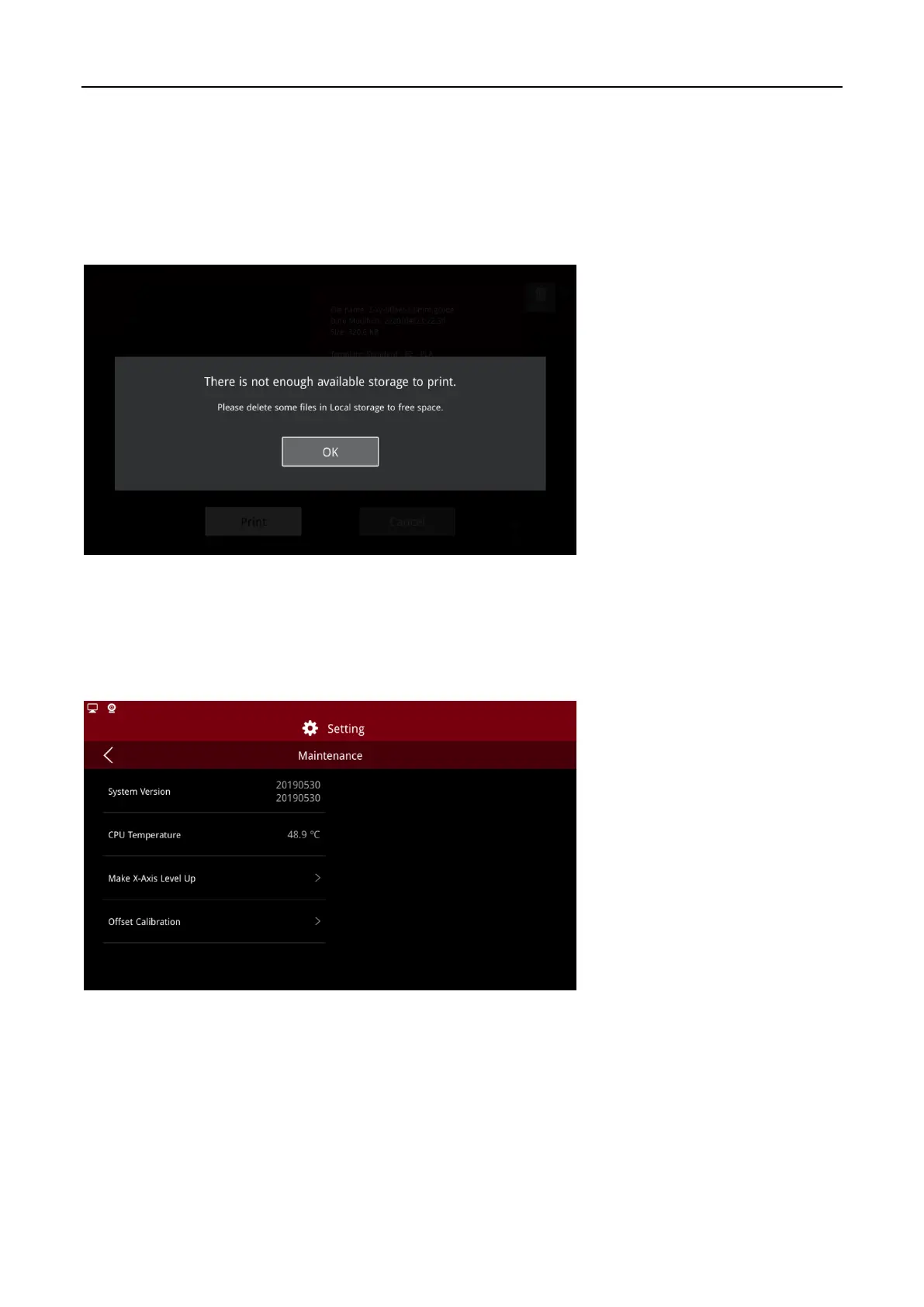
If internal storage space is insufficient, the system will prompt an error message.
Lack of Storage Space
3.2 Maintenance
Access the maintenance page through “Settings > Local Settings > Maintenance”. You can view the
CPU temperature, system version number, X-axis leveling function and offset calibration wizard.
Maintenance



 To Next Page