RaiseTouch User Manual Date:03/03/2020
- 16 / 80 -
www.raise3d.com
Note:
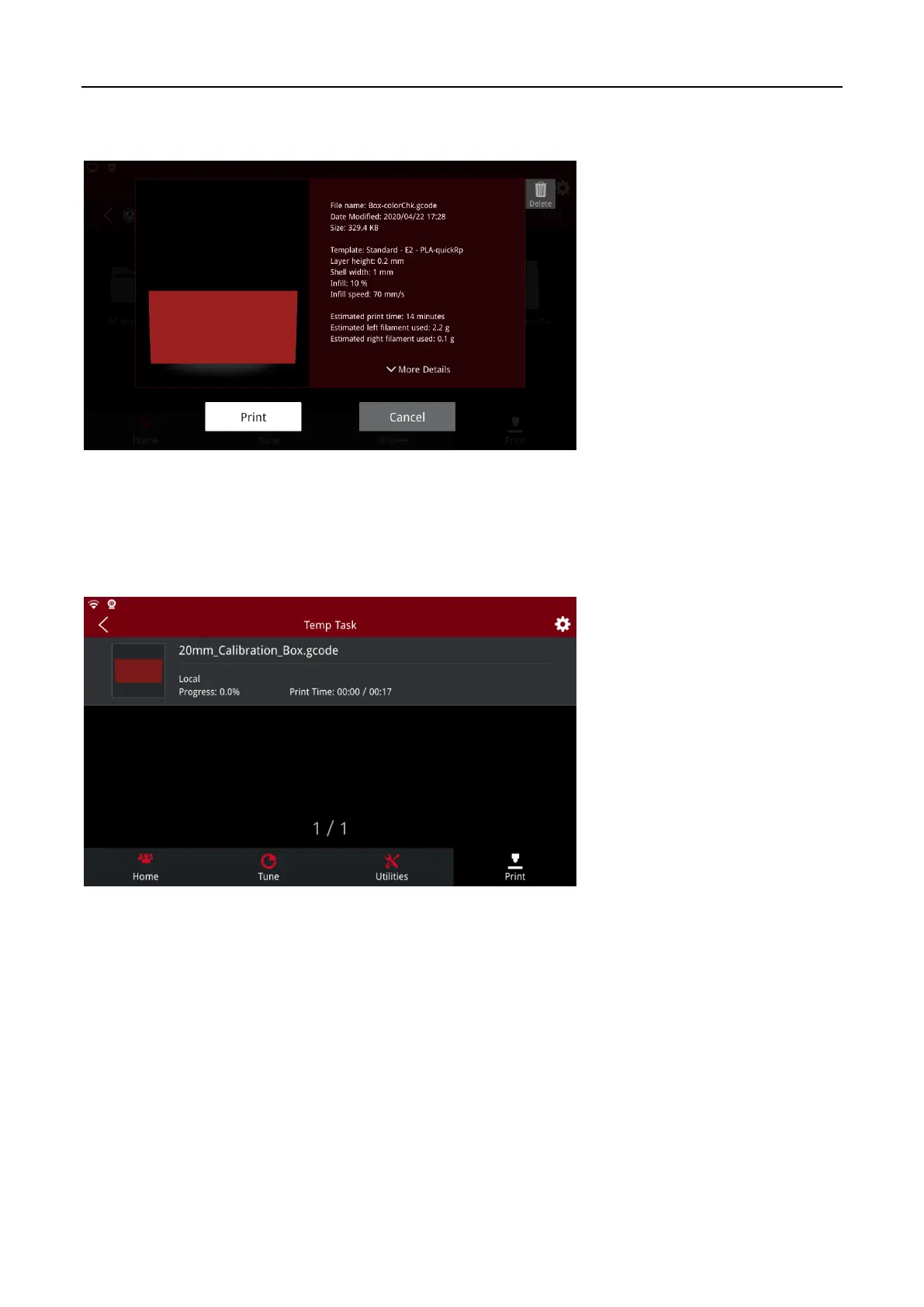
the file will be saved in local storage after uploading. Click the print file to enter the model
related information interface, where the parameter information of the model can be viewed.
Print Model Information
1.4.2 Temp Task
The temporary task interface allows to view the interrupted print task, where you can select the
unfinished print task to continue printing or reprint the file.
Temp Task



 To Next Page