RaiseTouch User Manual Date:03/03/2020
- 61 / 80 -
www.raise3d.com
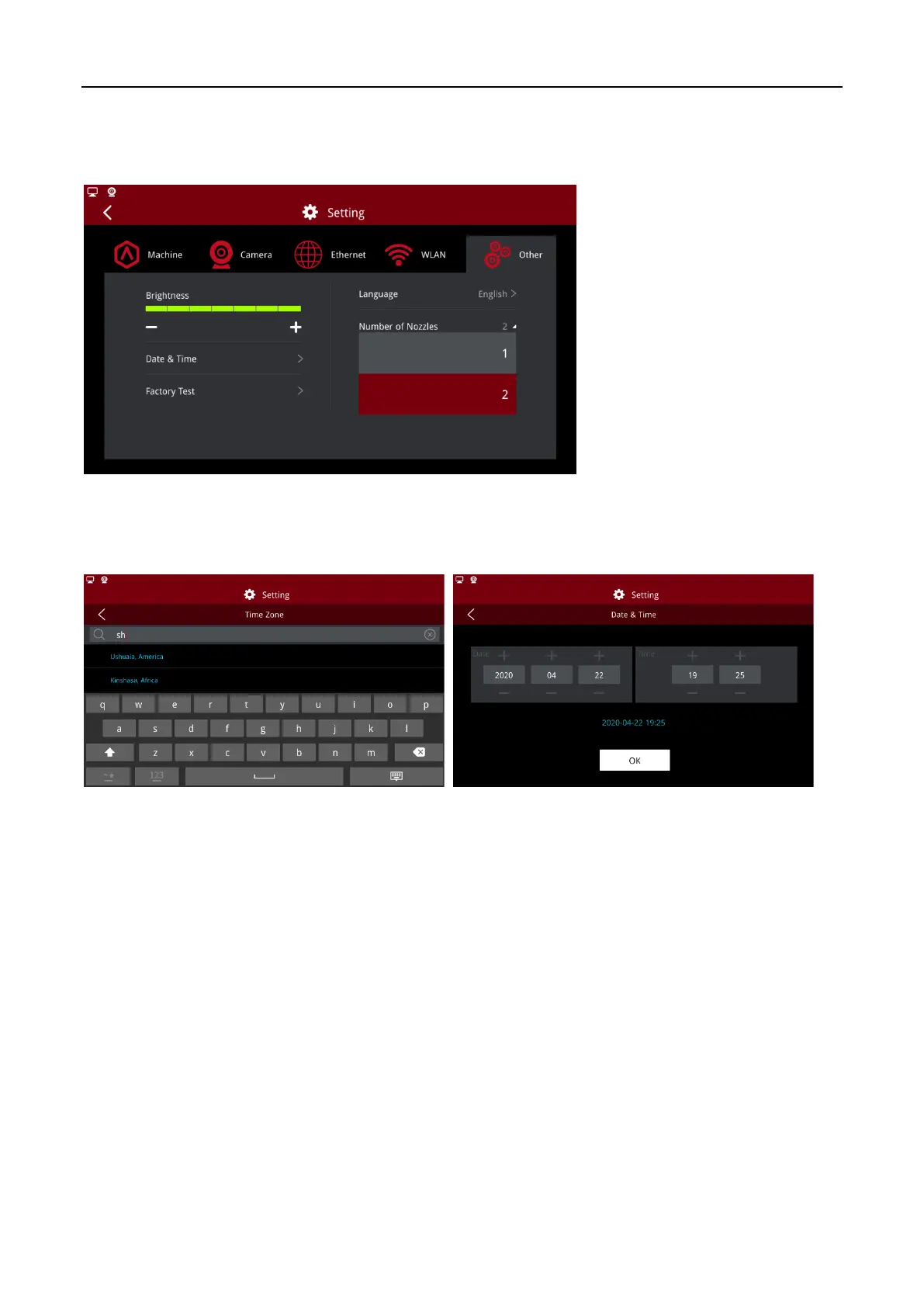
1.5.5.3 Number of Nozzles
Display the number of the nozzle.
Note:
This parameter needs to be consistent with the version of the motion control version.
Select Number of Nozzles
1.5.5.4 Date and Time
Set the date and time of printer.
Time and Time Zone
Time zone can be added by entering the city name, and the time and date will be set automatically if
there is a web connection.



 To Next Page