RaiseTouch User Manual Date:03/03/2020
- 15 / 80 -
www.raise3d.com
1.4 Print
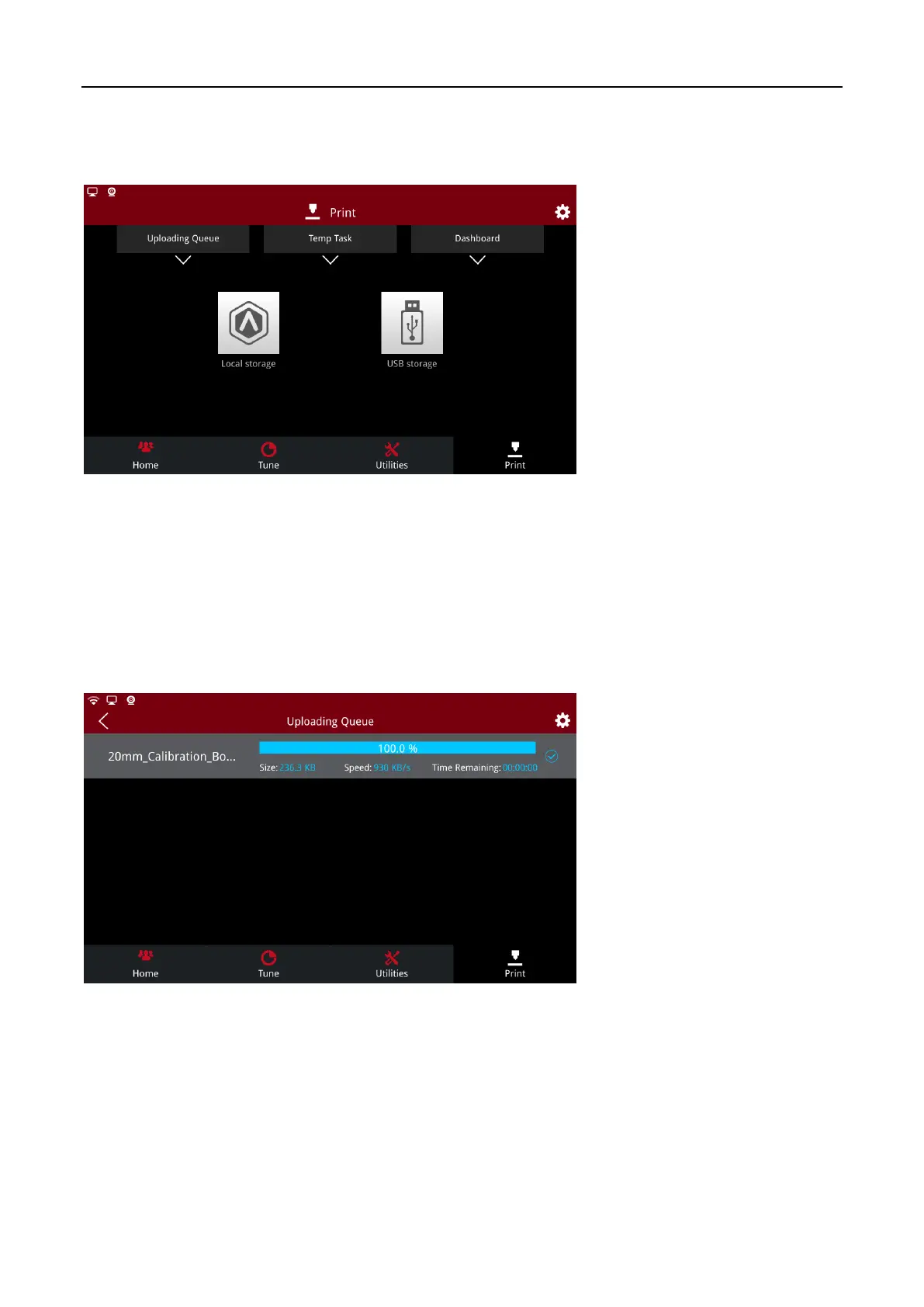
On this page, you can view history print records, Uploading queue, and print model information.
Print
You can print in three ways below: Local Storage, SD card and USB.
1.4.1 Uploading Queue
Click on the “Uploading Queue” to view files uploaded through WLAN and Ethernet. Printing files can
be uploaded remotely from ideaMaker to the printer. Click the “Uploading Queue” to see the upload
file size, transmission speed, remaining time and upload percentage.
Uploading queue



 To Next Page