RaiseTouch User Manual Date:03/03/2020
- 4 / 80 -
www.raise3d.com
1.User Interface
1.1 Home
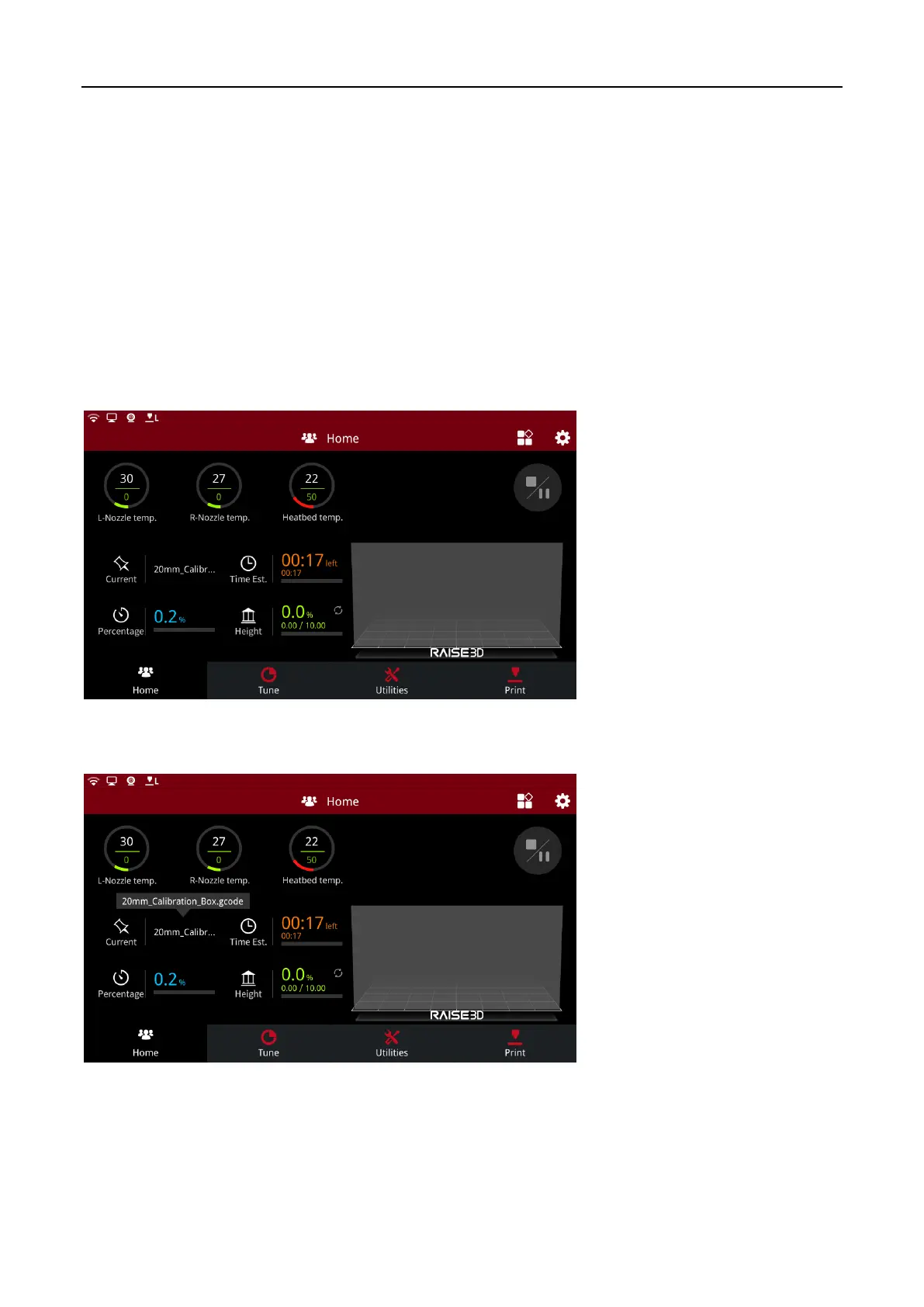
The Home interface mainly introduces the relevant parameters of the printing file. Including:
L-Nozzle temp: The temperature of the left nozzle. Upper one is current temperature. Below one is
target temperature.
R-Nozzle temp: The temperature of the right nozzle. Upper one is current temperature. Below one is
target temperature.
Heatbed temperature: The temperature of the heatbed. Upper one is current temperature. Below one
is target temperature.
Home
Current: Click to read the name of the printing model.
Current



 To Next Page