RaiseTouch User Manual Date:03/03/2020
- 10 / 80 -
www.raise3d.com
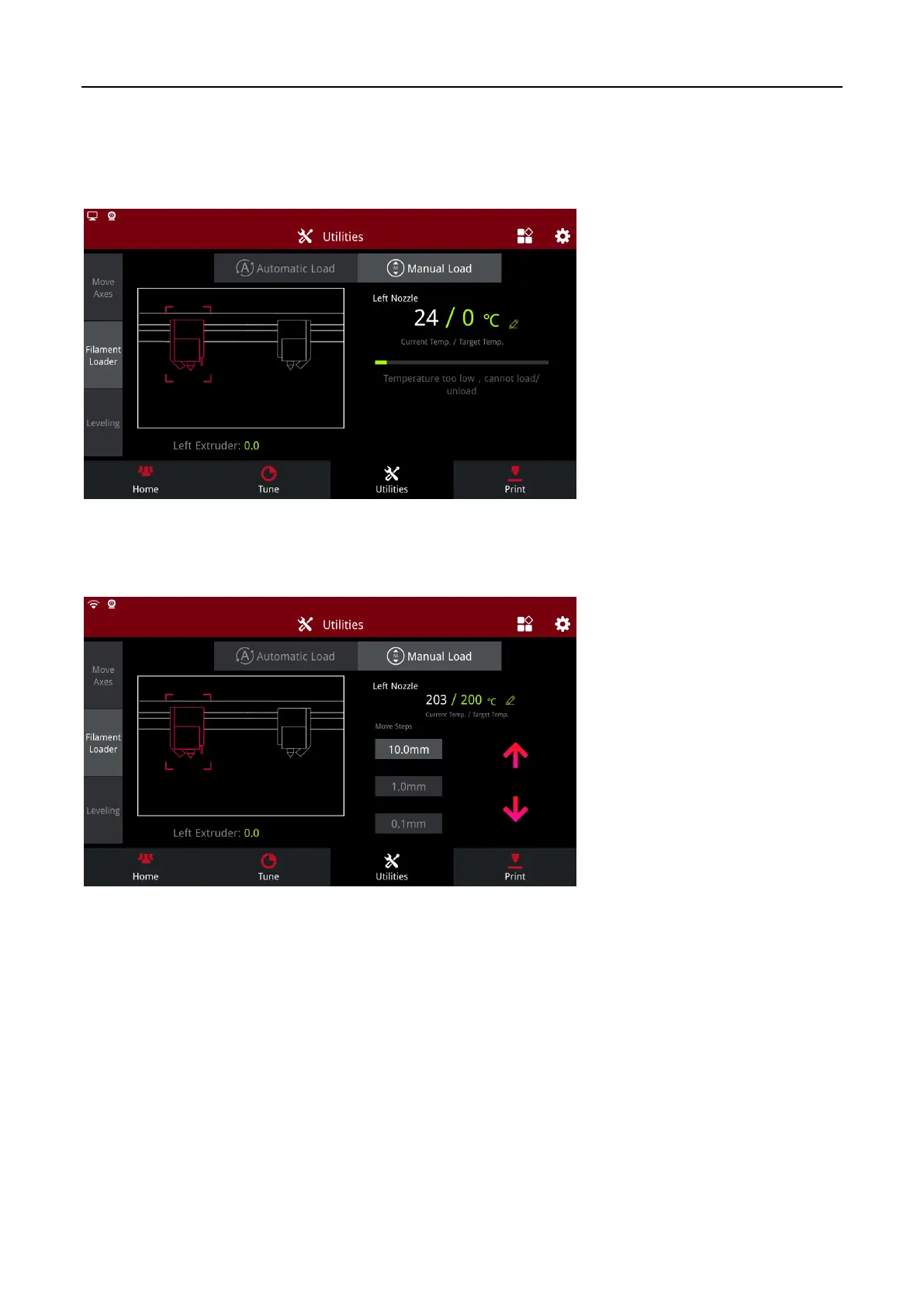
1.3.2.2 Manual Load
Click the button to enter “Manual Load” page.
Click on the modify icon in the lower right corner of the temperature to modify the target temperature
and wait.
Manual Load 1
When the current temperature heats up to the target temperature, select the amount range that needs
to be extruded, and click the “Up” or “Down” button for extrusion or back pumping.
Manual Load 2



 To Next Page