RaiseTouch User Manual Date:03/03/2020
- 34 / 80 -
www.raise3d.com
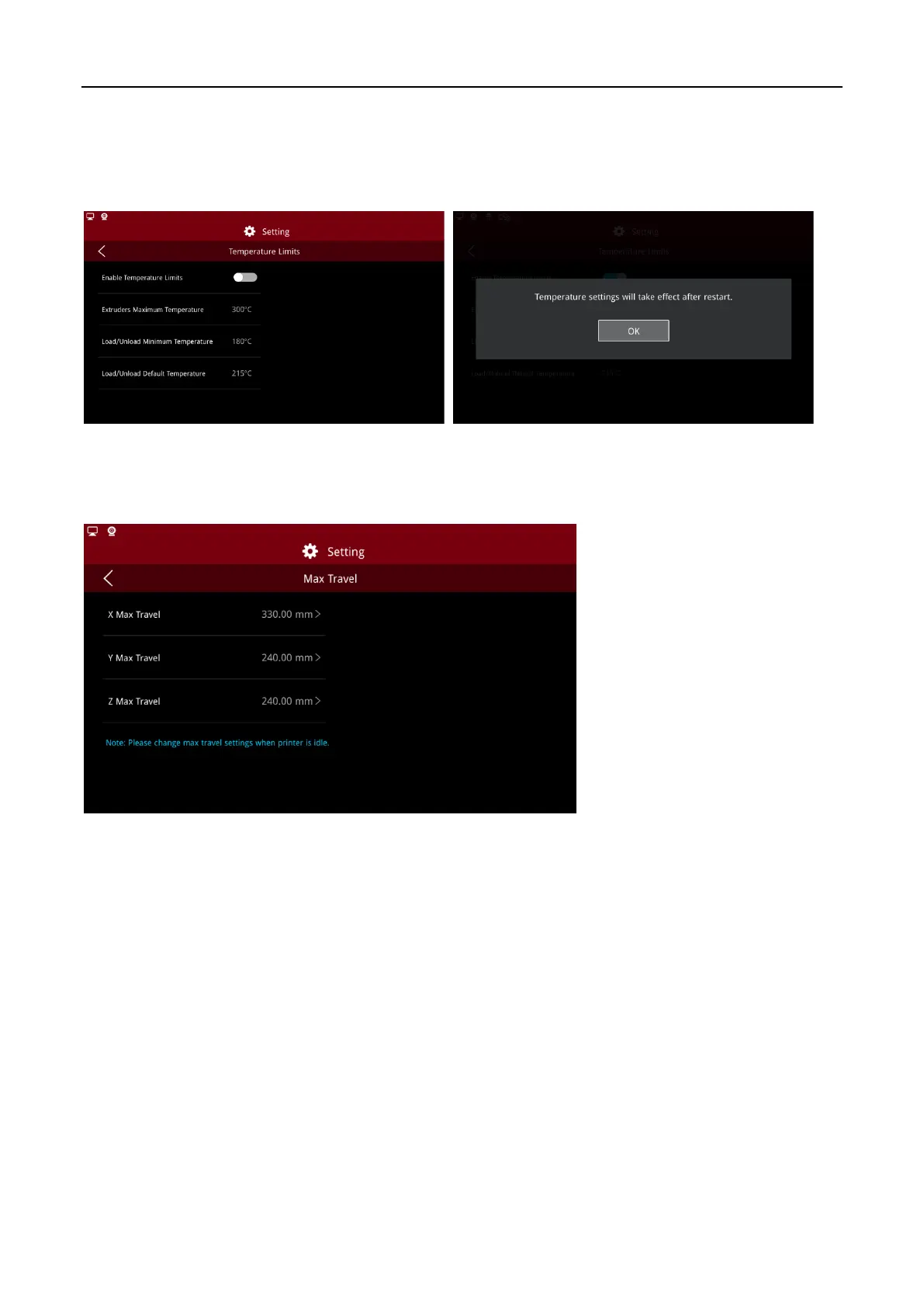
(10) Temperature Limits
Enable the temperature limit to set the minimum temperature of the nozzle, the minimum temperature
of the load/unload and the default temperature. Click “Apply”. The system will automatically apply the
set temperature value to the relevant interface and function after restarting the screen.
Temperature Limits
(11) Max Travel
On this page you can modify the maximum travel of X, Y and Z directions.
Max Travel



 To Next Page