RaiseTouch User Manual Date:03/03/2020
- 41 / 80 -
www.raise3d.com
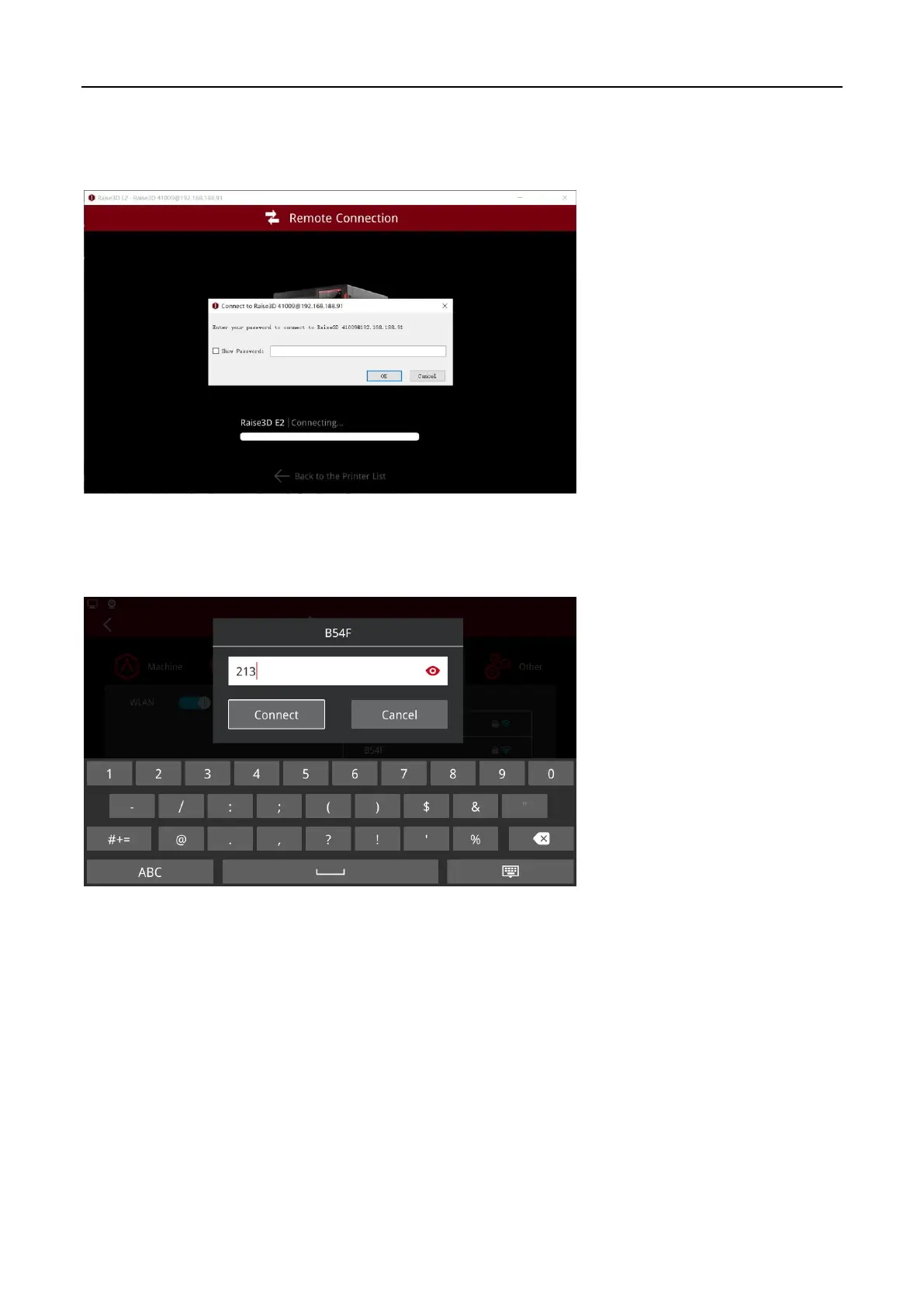
(7) Allow Remote Access without Password
In this function, you do not need a password to connect the printer remotely. If this function is
disabled, you need a password when connecting this printer.
Allow Remote Access with Password
(8) Allow Viewing Saved WLAN Password
For this function, the password of the connected WLAN is visible.
Check WLAN Password



 To Next Page