RaiseTouch User Manual Date:03/03/2020
- 50 / 80 -
www.raise3d.com
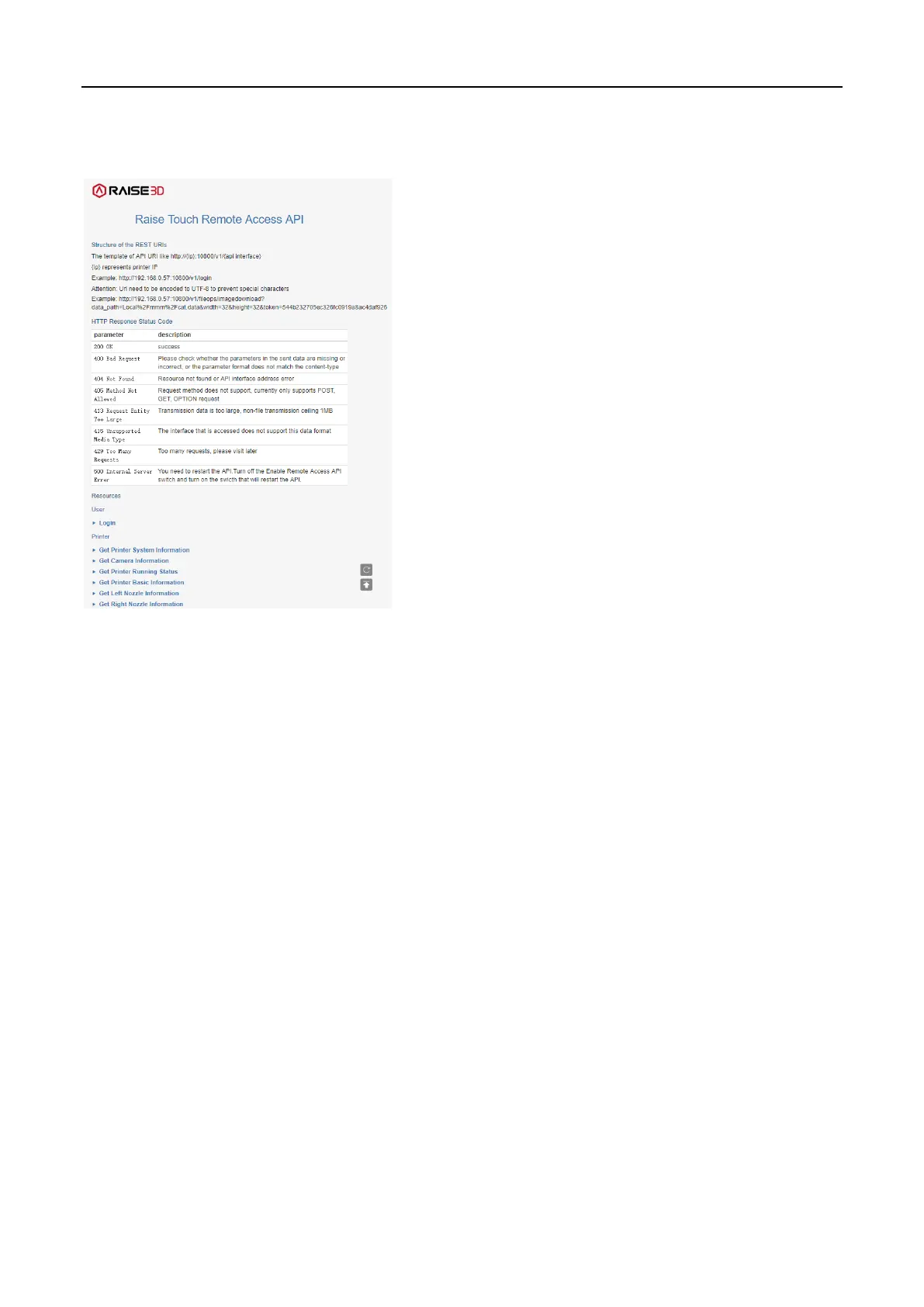
You can browse the API documentation by visiting http://xxx.xxx.xxx.xxx:10800 (on behalf of the printer
IP address) to see how to use the API.
WEB API Page
(1) Access password
Enter the SSH password to set the Remote Access API password.
(2) Export remote access API log
For this function, you can export API logs to external storage.



 To Next Page