RaiseTouch User Manual Date:03/03/2020
- 52 / 80 -
www.raise3d.com
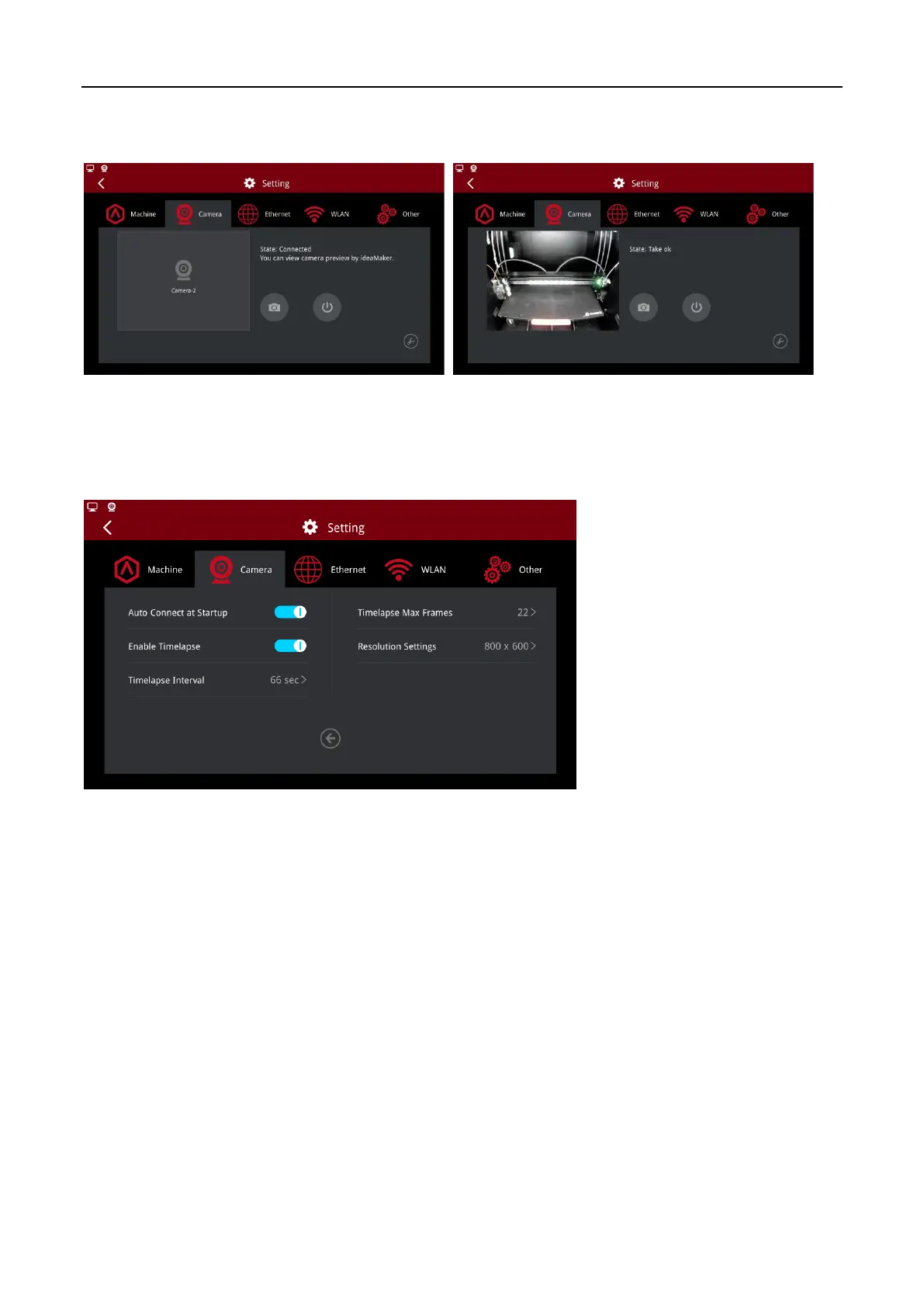
Click the camera button to view the picture taken on the RaiseTouch. Click the close button to turn off
the camera function.
Connect Camera Interface
Note:
1. Camera is not accessible from your computer unless you are using ideaMaker version 3.1.7 or
newer. 2. In the advanced settings, you can set “Auto Connect at Startup” to enable this function,
after booting up, the machine will automatically connect the camera.
Camera Advanced Settings



 To Next Page