RaiseTouch User Manual Date:03/03/2020
- 63 / 80 -
www.raise3d.com
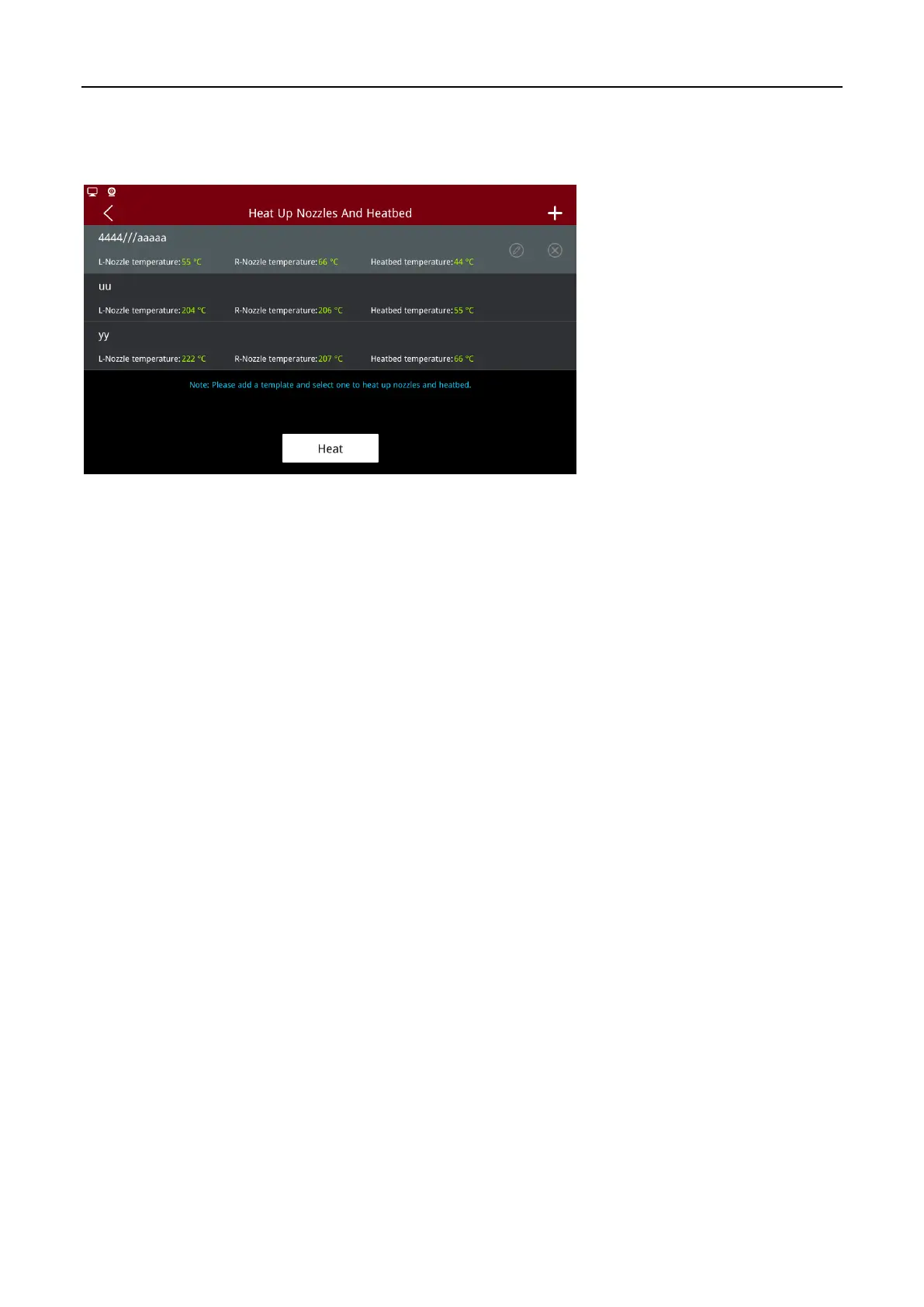
Click the template to modify the template parameters. Click delete button to delete the template. After
the template is selected, the “Heat” button will be displayed. Click the “Heat” button and the printer
will set the temperature according to the template to heat each part.
Select Heating Template to Heat
Receiving cloud tasks: After this function is turned on, the printer will start to receive printing tasks
from RaiseCloud. This function will only take effect after the printer is bound to Cloud.



 To Next Page