60
PD 1309.6269.62-02
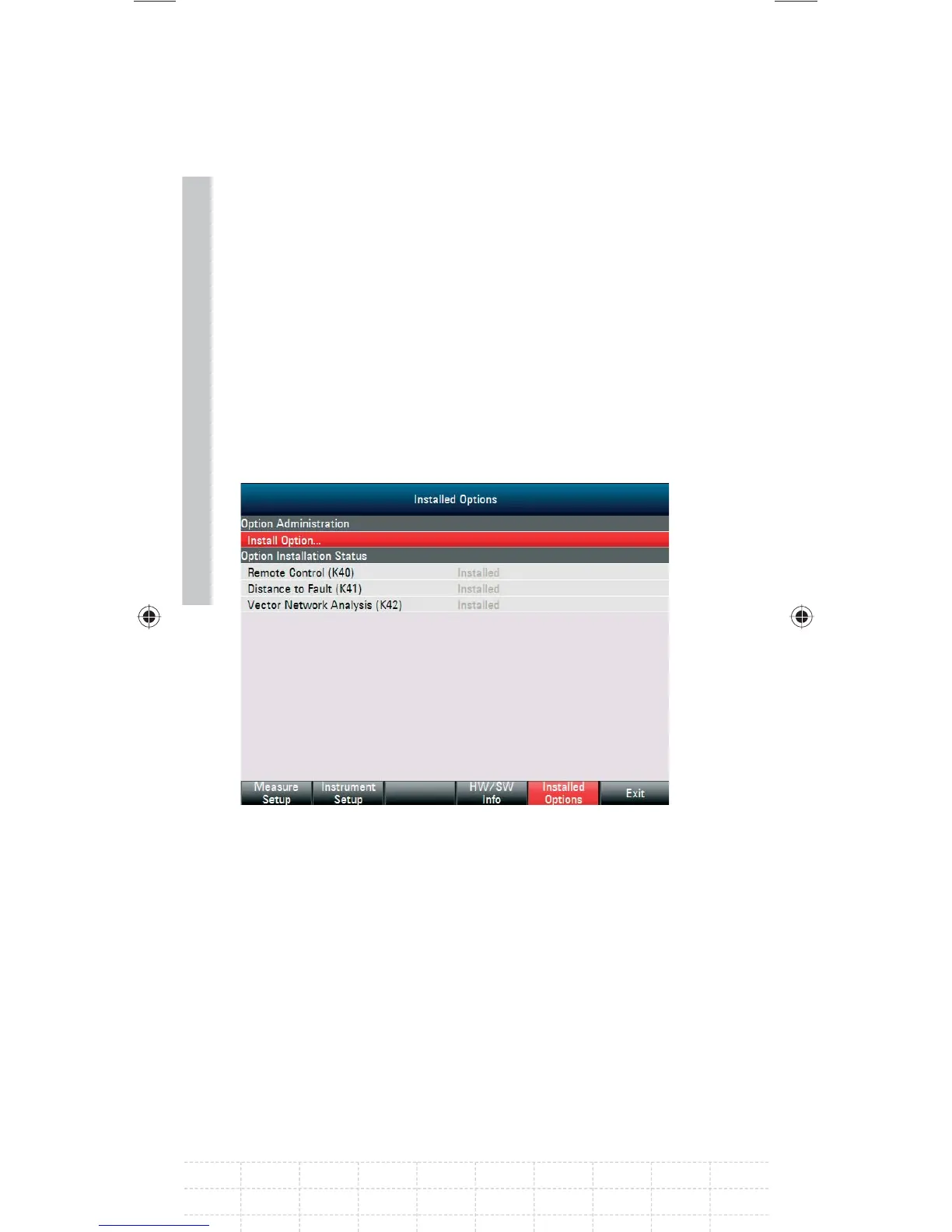
2.8 Checking the Installed Options
The R&S FSH displays the installed options in the
Setup menu so you can check them:
Press the SETUP key.
Press the INSTALLED OPTIONS softkey.
The R&S FSH displays all available options with
the appropriate status below the header OPTION
INSTALLATION STATUS.
If an option is installed, the installation status
differs for permanent or temporary installed
options.
GalaxyE_v1-10_3.indd 60GalaxyE_v1-10_3.indd 60 08.04.2009 15:21:4408.04.2009 15:21:44


 To Next Page
 Loading...




