104
PD 1309.6269.62-02
3.7.2 Calibrate the R&S FSH for the
Scalar Return Loss Measurement
The following example shows a scalar
measurement of return loss. If the option
R&S FSH-K42 is installed, measurement must fi rst
be switched to scalar.
Press the MEAS key.
Press the MEAS MODE softkey.
Using the rotary knob or cursor keys (∧ or ∨),
select SCALAR.
Confi rm with ENTER or the MEAS MODE
softkey.
Press the CALIBRATE softkey in the main menu
for the network analyzer.
Select NORMALIZE REFLECTION PORT 1 or
NORMALIZE REFLECTION PORT 2 with the
rotary knob or the cursor keys (∧ or ∨).
Confi rm with ENTER.
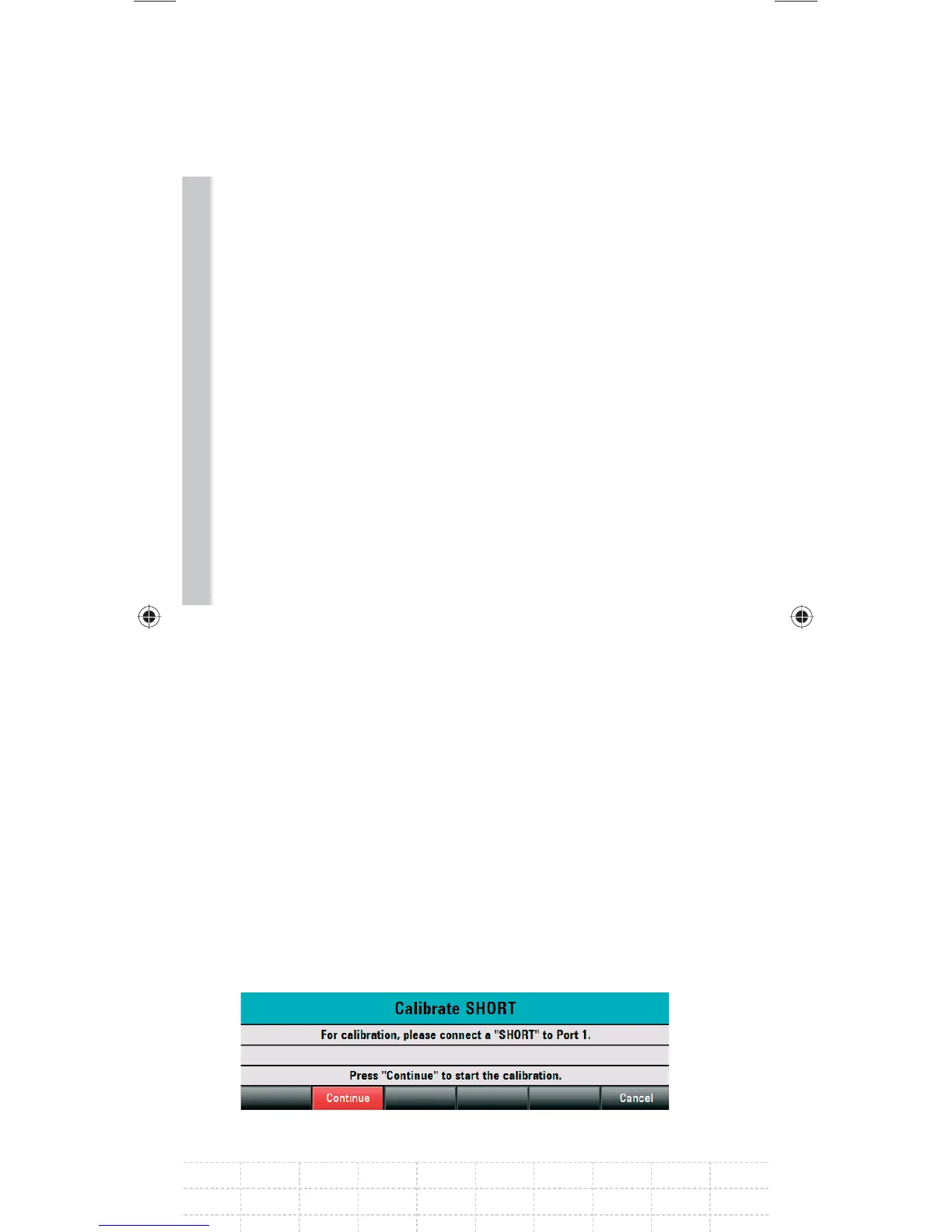
The R&S FSH starts calibration and displays a
message requesting to perform SHORT calibration.
Connect a short circuit to the PORT 1 or
PORT 2 measurement input and to the end the
measuring cable.
Using CONTINUE start the SHORT calibration.
GalaxyE_v1-10_3.indd 104GalaxyE_v1-10_3.indd 104 08.04.2009 15:21:5208.04.2009 15:21:52



 To Next Page
 Loading...



