iv
Contents
Chapter 1 Introduction to MasterConsole Digital Series Products 1
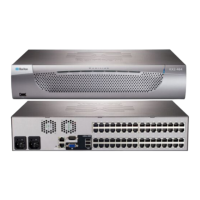
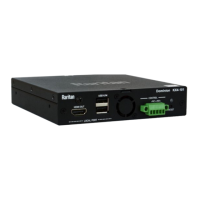
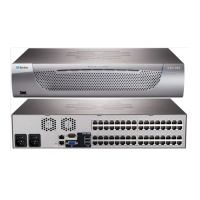
Product Photos................................................................................................................................. 1
Before Installation............................................................................................................................ 4
Chapter 2 MasterConsole Digital KVM Switches 5
MCD Product Overview..................................................................................................................... 5
One-User Models ................................................................................................................... 6
Dual-User Models.................................................................................................................. 6
MCD Product Features..................................................................................................................... 6
MCD Package Contents.................................................................................................................... 7
MCD Structure Diagrams................................................................................................................. 7
Front View .............................................................................................................................. 8
Rear View ............................................................................................................................... 8
MCD Computer Interface Modules................................................................................................... 9
MDUTP Cables................................................................................................................................ 10
MCD Rackmount Procedure........................................................................................................... 10
Step 1: Attach the Cable-Support Bar................................................................................. 11
Step 2: Rack Mount the MCD ............................................................................................... 11
Chapter 3 MasterConsole Digital-LED KVM Drawer 13
MCD-LED Product Overview .......................................................................................................... 14
MCD-LED Product Features .......................................................................................................... 14
MCD-LED Package Contents ......................................................................................................... 15
MCD-LED Structure Diagrams....................................................................................................... 15
Front View ............................................................................................................................ 16
Rear View ............................................................................................................................. 17
MDCIMs and MDTUP Cables .......................................................................................................... 18
MCD-LED Rackmount Procedure .................................................................................................. 18
Chapter 4 Quick Start 20
Basic Installation............................................................................................................................ 20
Step A: Select Proper MDCIMs or MDUTPs ........................................................................ 21
Step B: Connect the Keyboard/Mouse/Monitor................................................................... 21
Step C: Connect Servers ...................................................................................................... 22


 To Next Page
 Loading...