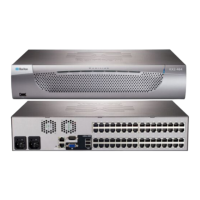
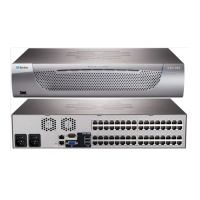
Chapter 6: Two-Tier System
53
Step (c): Connect Servers
You can connect servers to any channel ports in the two-tier system,
including those on the base and second-tier switches.
For details on server connections, see
Basic Installation
(on page 20).
Accessing or Exiting 2nd-Tier Channels
The only method to access the 2nd-tier channels is the OSD's Selection
Menu. To return to the base switch's channels, you also have to operate
the Selection Menu.
To access the 2nd-tier channels:
1. If the OSD is not displayed, press the hot key 3 times.
The default hot key is 'Scroll Lock.' To change it, see
System
Settings
(on page 38).
2. On the Selection Menu, press
or to select the channel where
the 2nd-tier switch you want to access is connected.
A channel connected to a 2nd-tier switch is marked with the
symbol +.



 To Next Page
 Loading...