Chapter 7: MCD-LED Display's OSD Menu
61
Selecting the Preferred Video Output
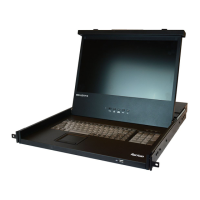
The MCD-LED converts the video input signals to both VGA and DVI video
signals. By default all video is displayed with VGA signals on the LCD
display. You can switch to DVI signals if higher video quality is preferred.
To switch between VGA or DVI signals:
1. Make sure there is no 'LED OSD' shown onscreen.
2. Press the DOWN/SOURCE button on the LCD panel. The 'LED OSD'
appears, showing two options - VGA and DVI.
3. Press the UP/AUTO or DOWN/SOURCE button to select a video
output type.
4. Press MENU to confirm your selection.


 To Next Page
 Loading...