3.4T
utorialpages
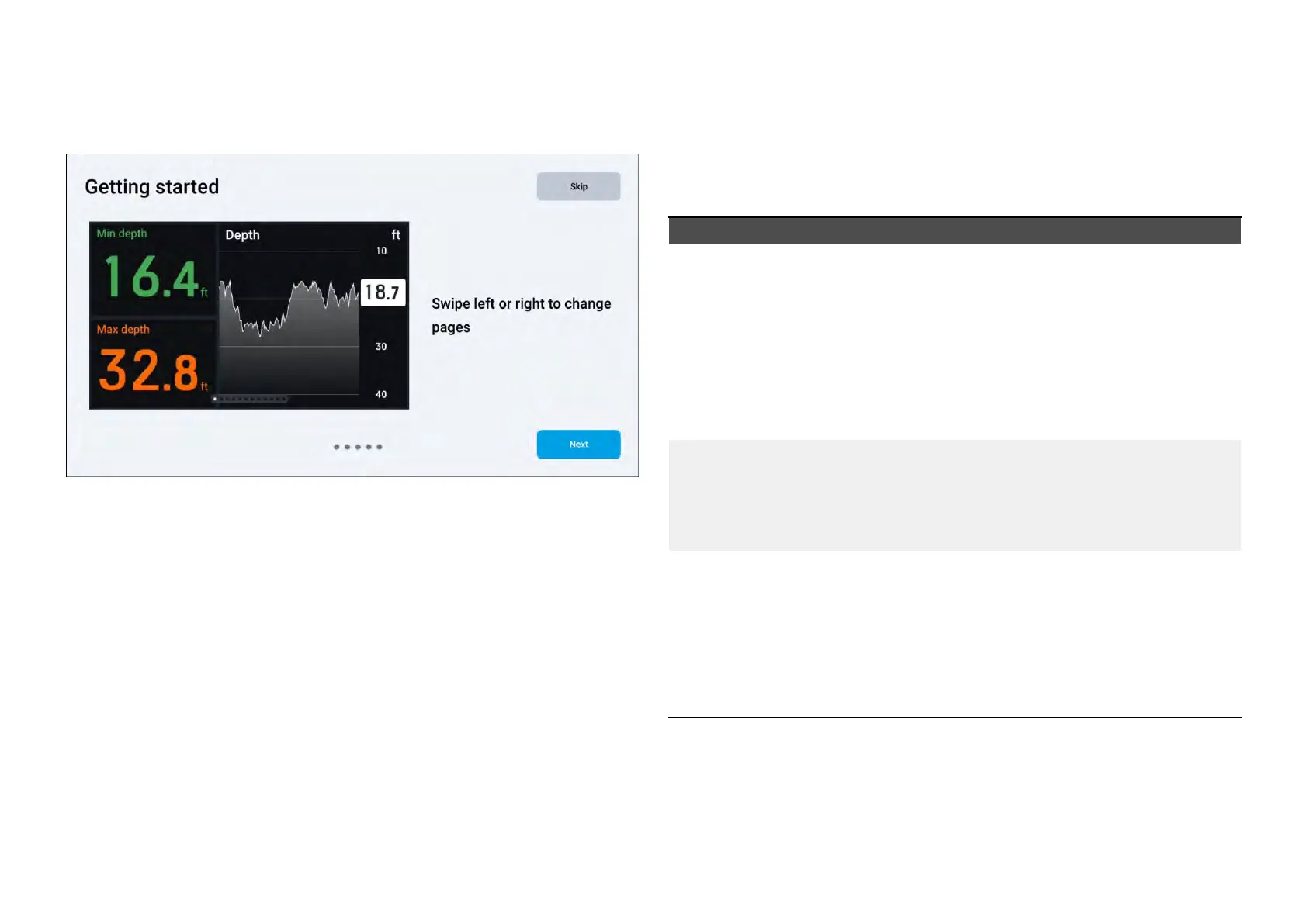
Ifyourperformancedisplayisbeingpoweredforthefirsttime,or,ifafactory
resethasjustoccurred,aseriesoftutorialpageswillappear:
Inordertocompletethetutorial:
1.Proceedwiththetutorialbyselectingthe[Ne xt]buttonlocatedatthe
bottomrightofyourscreenuntilyoureachtheend.
a.Ifyouwanttoreturntothepreviousstep,selectthe[Back]button
locatedatthebottomleftofyourscreen.
b.Optionally,youmayskipthetutorialbyselectingthe[Skip]button
now,oratanypointoncethetutorialhasbeenstarted.
2.Selectthe[Done]buttontofinishthetutorial.
Oncecomplete,aseriesofdefaultdatapageswillbeloaded.
3.5Defaultdatapages
Thedefaultdatapagescreatedonyourperformancedisplaywillreflect
theboatingactivitytypewhichhasbeenselectedonyourconnected
multifunctiondisplay/chartplotter.
Thefollowingdefaultdatawillbeloadedforeachofthefollowing
multifunctiondisplay/chartplotteractivities:
Activity
Datapages
[Sailing]
•[Zoomedwind(landscapeonly)]
•[Windgaugeplusdata]
•[Racepre-start]
•[SailPointsteeringguidance]
•[3Dcompass]
•[Singleengine]
•[Truewindgraph]
[General],[Cruising],
[Firstresponder]
•[3Dcompass]
•[Basicnavigation]
•[P
owernavigation]
•[Dualengine]
[Fishing]•[Basicnavigation]
•[Multi-data(fishpresetcategory)]
•[Compass&data(fishpresetcategory)]
•[Powernavigation]
•[3Dcompass]
•[Singleengine]
Gettingstarted
15







 To Next Page