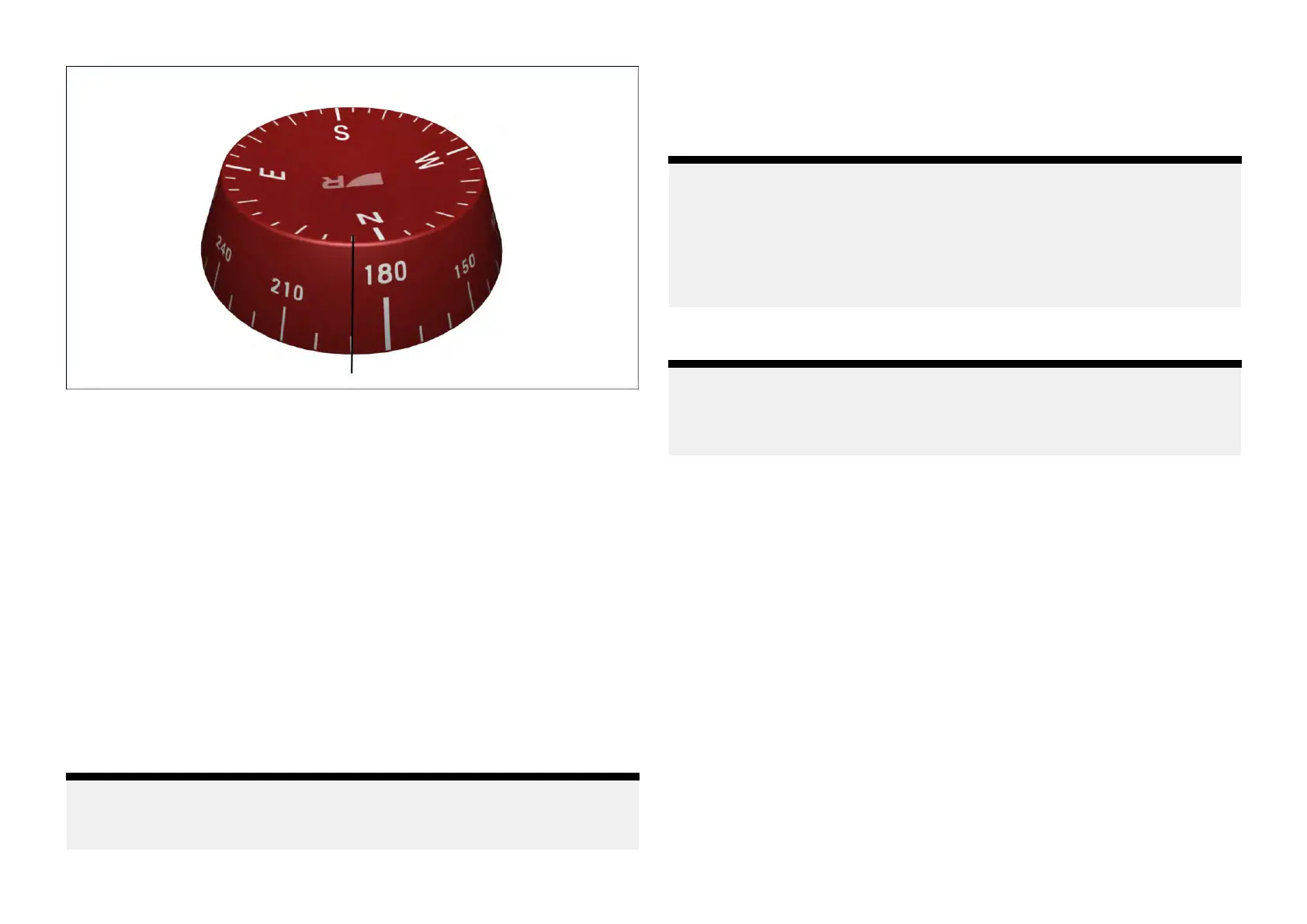
3Dcompasswidgetoptions
Y oucantap-holdawidgetandselect[...]todisplayadditionalwidgetoptions
whicharespecifictotheselectedwidgettype.
Thefollowingwidgetoptionsareavailable:
•[Editdata]—replacestheselectedwidgetwithanotherchosenfromthe
[Selectdatacategory]sub-menus.Thenewwidgetwilladoptthesame
positionanddimensionsasthepreviouswidget.
•[Delete]—deletestheselectedwidget.
•[Compasscolour]—opensamenuwithselectablecolorpalettes,which
canbeusedtochangetheselectedwidget’scolorbetweenred,blue
orblack/whitedependingonyourperformancedisplay’s[Daytime
colour]settings.Formore[Daytimecolour]settinginformation,refertothe
followingsection:p.56—Daytimecolorsettings
•[Showbackground]—togglestheselectedwidget’sbackgroundeither
[On](todisplayashadedbackground)or[Off](todisplaynoshaded
background).
Note:
Formoreinformationonhowtoedityourwidgets,refertothefollowing
section:p .32—Widgetcustomization
Windperformancegauge
The[Windperformancegauge]widgetshowsbothmeasuredandtarget
windangles,withacentralwindspeedvalue
.
Note:
T
argetwindanglesshownonthe[Windperformancegauge]widgetare
takenfromyourmultifunctiondisplay’s[Sailperformance]setting.The
[Sailperformance]settingcanbeconfiguredfromthe[Boatdetails]menu:
[Homescreen>Boatdetails>Sailperformance].Formoreinformationon
the[Polar]and[Fixedangles]optionsavailable,refertotheLightHouse™4
AdvancedOperationInstructions(81406).
Note:
Thiswidgetisonlyavailablewhentheboatingactivityissetto[Sailing]
duringyourconnectedmultifunctiondisplay/chartplotter’sinitialstartup
wizard.
The[Windperformancegauge]widgetcanbetappedandselectedtodisplay
additional[ApparentWind]and[TrueWind]viewoptions.Forafulllistof
widgetfunctionsthatareavailable,referto:p.51—Widgetfunctions
Example:Windperformancegauge(AWSview)
Widgetcreationandcustomization
39







 To Next Page