4.
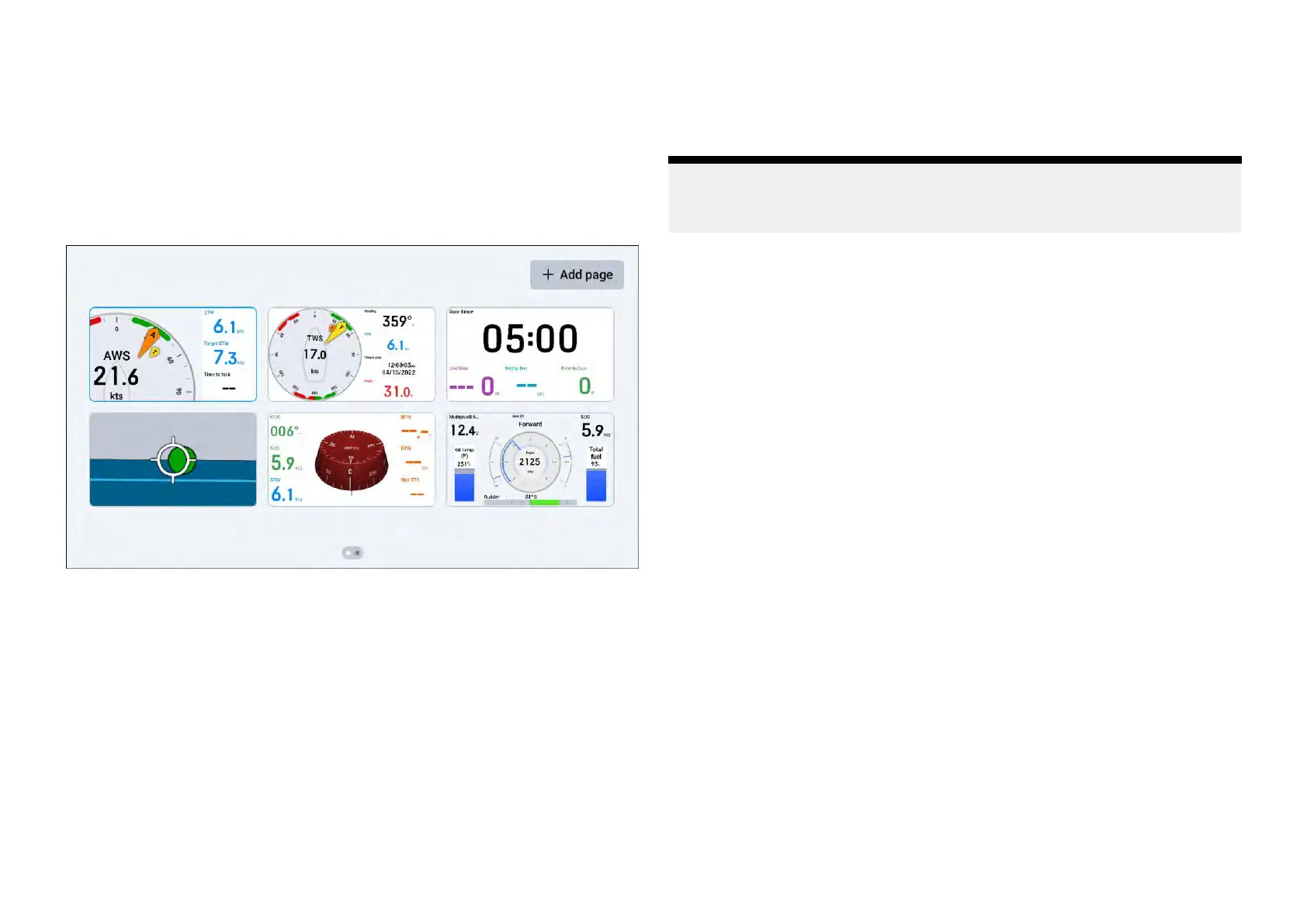
1Pagemanagementoverview
The[Pages]screenprovidesahorizontally-scrollableliveviewofthecurrently
configureddatapages.
Datapagescanbeadded,reordered,duplicated,deleted,selectedand
configuredtoauto-selectviathe[Pages]screen.
The[Pages]screencanbeaccessedviathe[Overlaymenu]orwhenyouuse
apinch-ingesturewiththetouchscreen,whenviewingadatapage.
Selectingadatapagetoview
The[P ages]showsanoverviewofallyourdatapages,allowingyoutoselect
thepagethatyouwishtoview.
Inordertoselectanddisplayaspecificdatapage:
1.Navigateto:[Datapageview>Overlaymenu>Pages]orpinch-inwhen
viewingadatapagetodisplaythe[Pages]screen.
2.(Ifapplicable)scrollleftandrighttofindthedatapagethatyouwishto
view.
3.Selectthedatapagetoviewit.
Y ourchosendatapagewillbedisplayedonscreen.
Reorderingdatapages
Y oucanusethe[Pages]screentochangetheorderinwhichyourdata
pagesappear.
Note:
Thedatapagelayoutshownonyour[P
ages]screenisorderedfromthe
toplefttothetopright,thenfromthebottomlefttothebottomright.
Toreorderyourdatapages:
1.Navigateto:[Datapageview>Overlaymenu>Pages]todisplaythe
[Pages]screen,oruseapinch-ingesturewhenviewingadatapage.
2.(Ifapplicable)scrollleftandrighttofindthedatapagethatyouwishto
moveinyourpagesequence.
3.Tapandholdthedatapagethatyouwishtomove,untilitishighlighted.
4.(Ifapplicable)toscrollbetweenpages,dragthedatapagetotheleftor
rightedgeofyourscreen.
5.Draganddropthedatapagetoyourchosenlocation.
Repeatsteps1–5ifyouwishtochangetheorderofmultipledatapages.
P agemanagementandcreation
21







 To Next Page