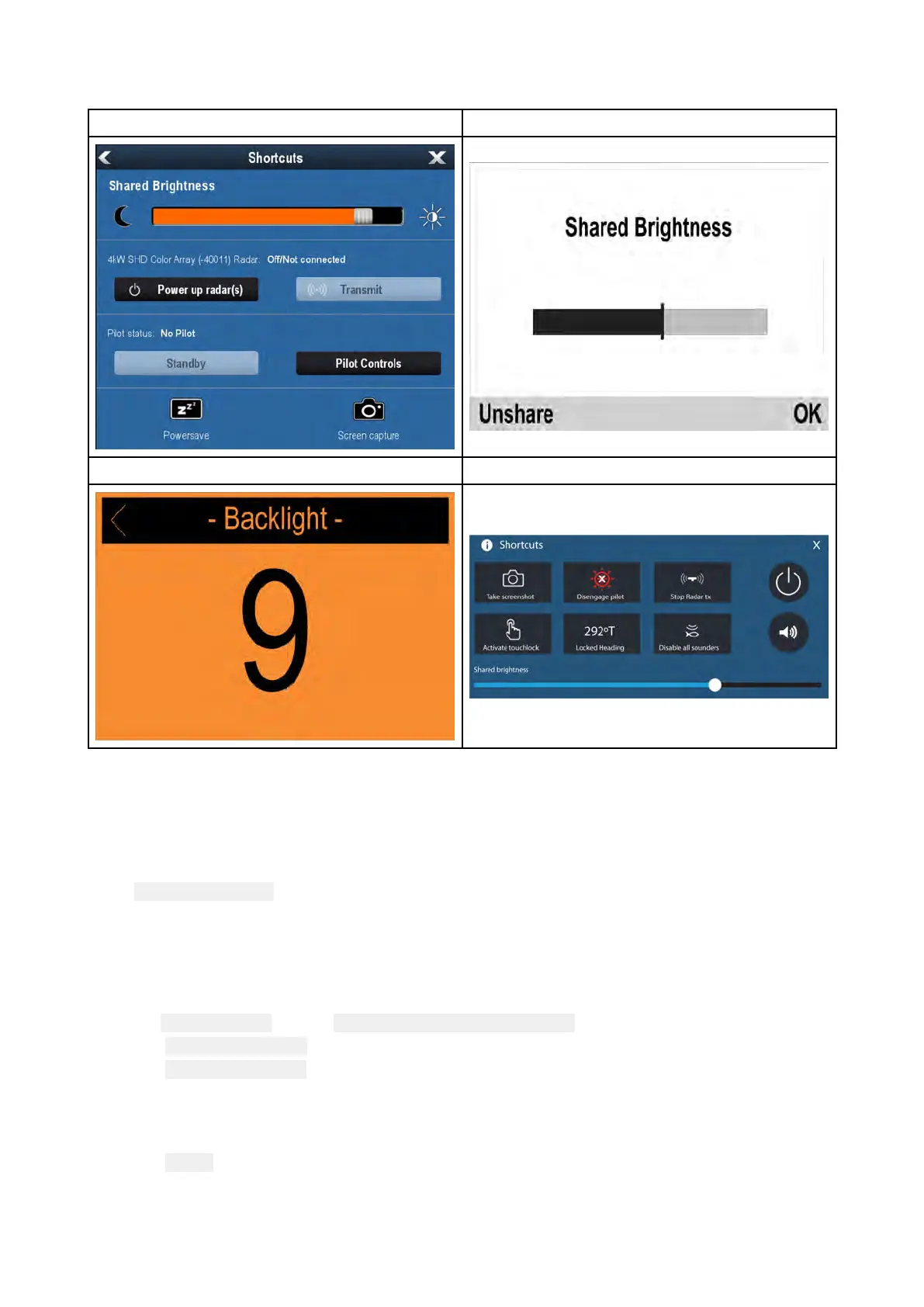
Anyadjustmentstothesharedbrightnesslevelwillbeappliedtoallproductsassignedtothesame
group
.
LightHouse™/LightHouse™2MFDInstrumentdisplay/Pilotcontroller
VHFDSCRadioLightHouse™3V3.4orgreater
Multiplebrightnessgroupscanbeconfigured.Fore xample,thesegroupscouldbeusedtoreflect
thephysicallocationofproductsonyourvessele.g.:helmandflybridge.
Sharedbrightnessrequires:
•allproductstobecompatiblewiththesharedbrightnessfunction(seelistofcompatibleproducts
above).
•the
SharedbrightnesssettingsettoOnforallproductsinthebrightnessgroup.
•productstobeassignedtonetworkgroups.
•alltheproductsineachgrouptobesynchronized.
EnablingSharedBrightness
Fromthe DisplaySet-upmenu:( Menu>Set-up>DisplaySet-up).
1.SelectSharedBrightness.
2.SelectSharedBrightnessagaintoenableSharedBrightness.
IfSharedBrightnessisalreadyenabledthenselectingthismenuitemwilldisableShared
Brightness.
3.SelectGroup.
4.Selectthegroupthatyouwanttoassigntheradioto
.
AdjustingtheBrightnesssettingwillnowchangethebrightnessofallproductsassignedtothatgroup.
Gettingstarted
105



 To Next Page
 Loading...




