P
anelmounting—Ray53
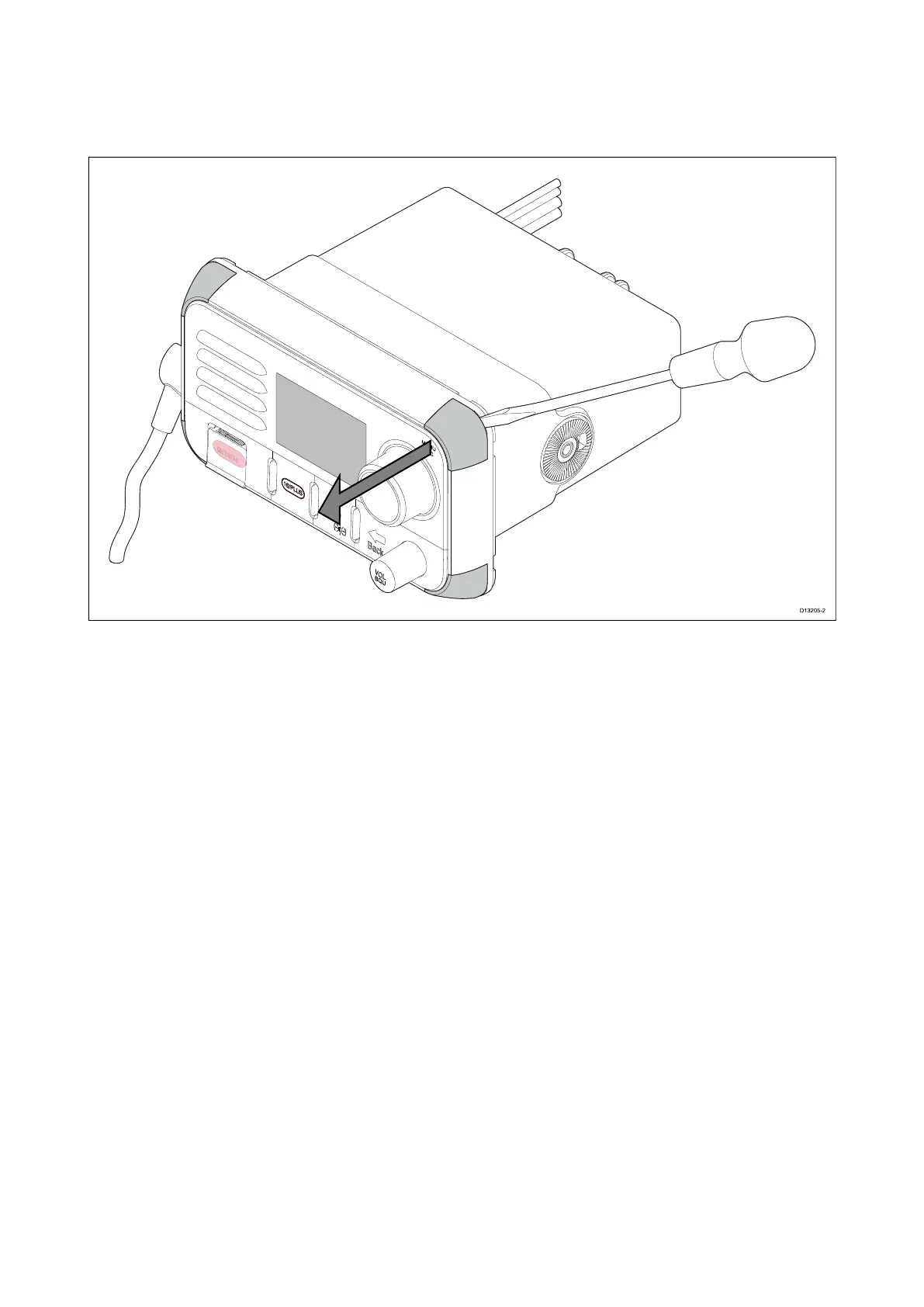
Removingthemountingholecovers
Beforetheradiocanbepanelmountedthemountingholecoversmustberemoved.
1.Usingaflatbladescrewdriver ,insertthetipofthescrewdriverintheslotbetweentheback
ofthecoverandtheunit.
2.Carefullyleverthecoverforwardawayfromtheunit.
3.Repeatsteps1and2fortheremainingmountingholecovers.
Drillingoutthemountingholes
Whenpanelmountingtheradiothemountingholesmustbedrilledout.
Guidesforthemountingholescanbefoundonthecornersoftheunit,underthemountinghole
covers.
Installation57



 To Next Page
 Loading...




