37
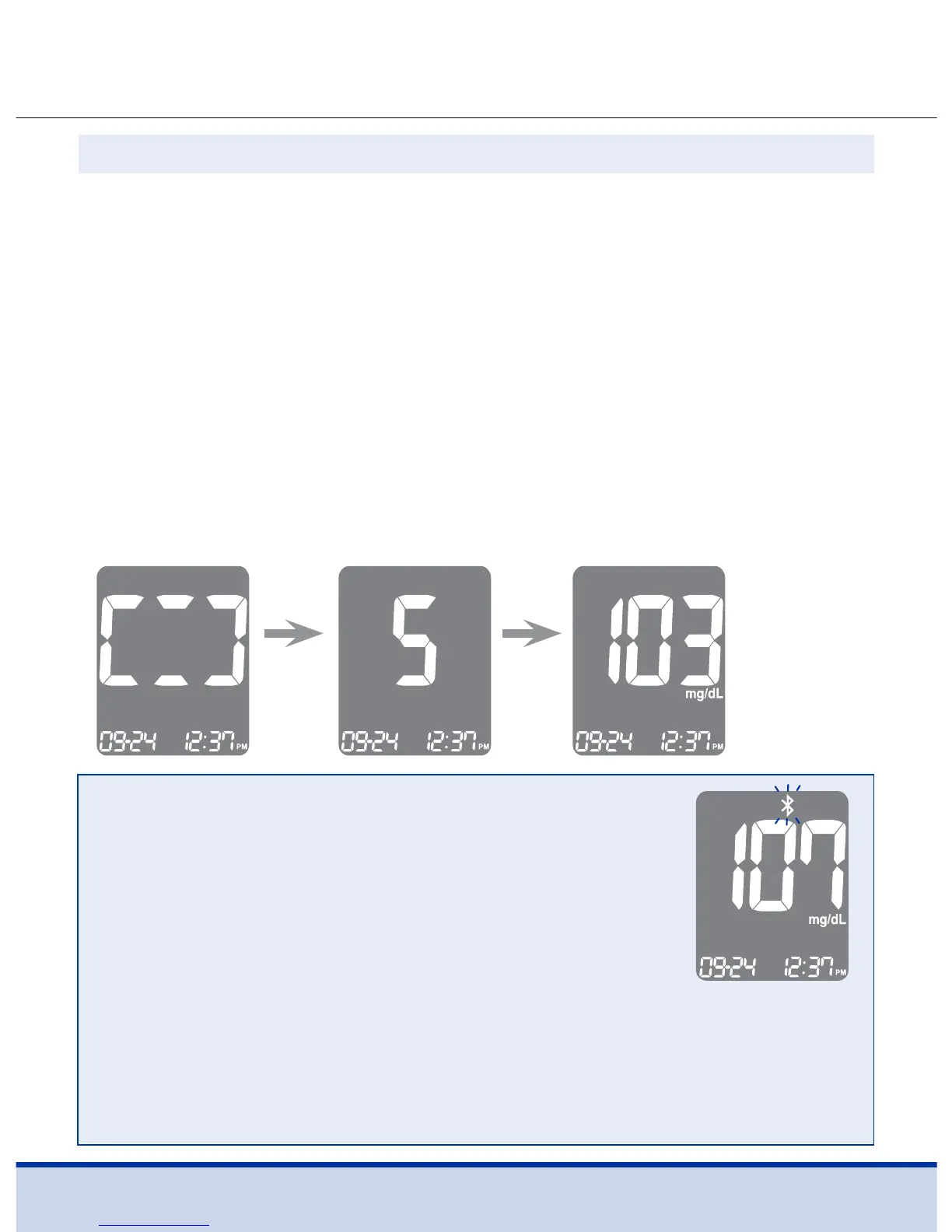
At this time, the display segments will rotate clockwise while the
blood sample is going into the test strip.
The test result will appear after the meter counts down from
5 to 1.
The result will be automatically stored in the meter’s memory.
If the test strip is removed after the test result is displayed, the
meter will automatically switch off after three (3) seconds.
Discard used test strips safely in disposable containers.
If the Bluetooth® feature is activated, the meter will send the test
result to the connected smartphone.
Step 9
Test
result
NOTE
To transmit glucose data using the Bluetooth®
feature:
• The Bluetooth® feature on the meter must be
turned on
• The meter and a smartphone must be paired
• The ReliOn™ Life mobile app must be launched
The meter will transmit data in the following cases:
• When the test strip is ejected after measuring
• When the meter is turned on (when untransmitted data exists)



 To Next Page