repligen.com XC-LAB-UG-V4
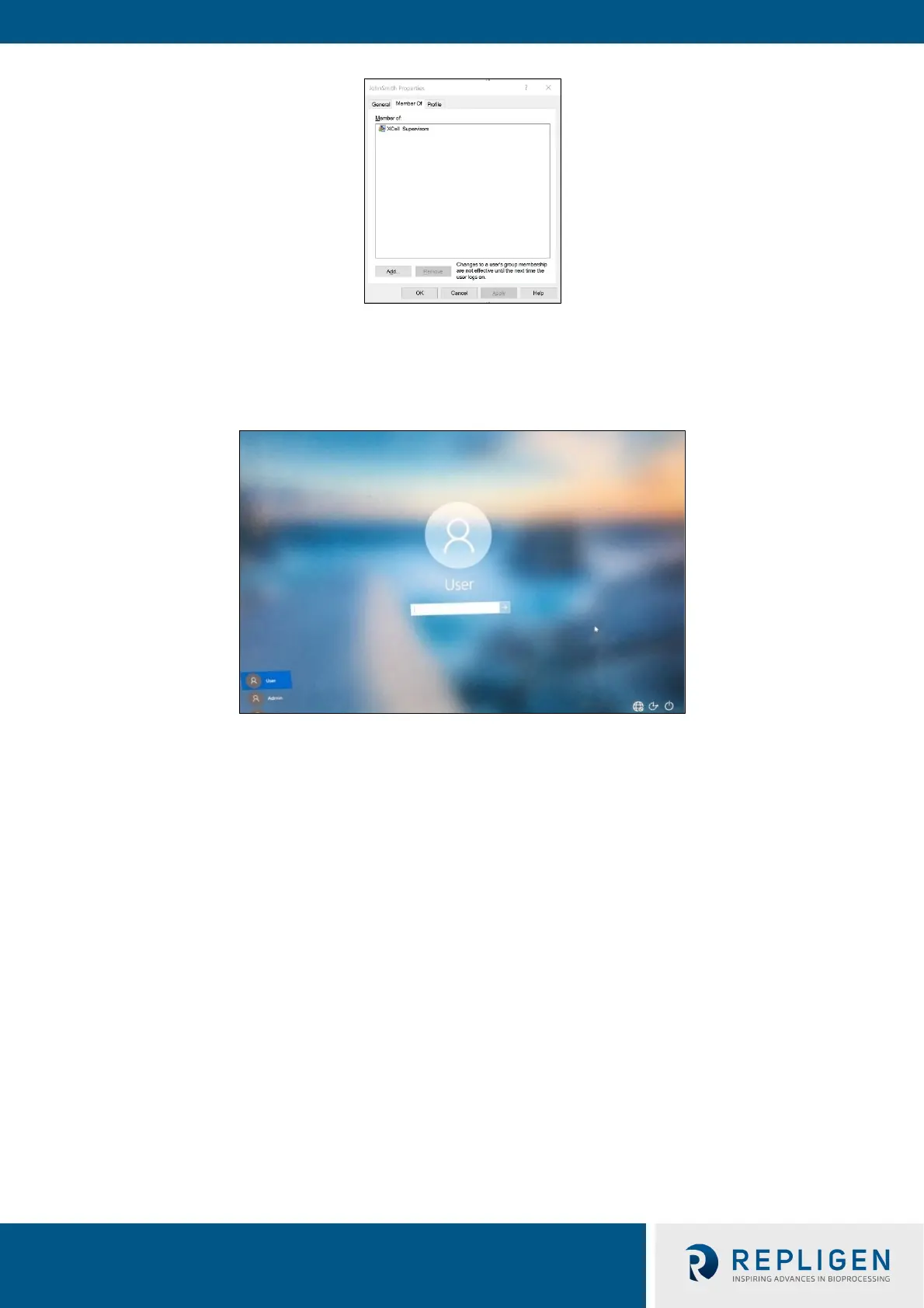
19. The user is only assigned to the appropriate group.
20. Add as many users as required while Admin is logged in.
21. When complete, sign out of the admin account (and best to restart the Surface Pro).
22. Press Start, click the circular user icon and select sign out.
23. Enter password User123 to return to the XCell™ windows user account.
24. If not already running (you can check by swiping right to show all active programs), restart the
Wonderware View (XCell™ Lab software) application.



 To Next Page