Chapter 6
Ventilator Communications
REF 1029568 Rev A BiPAP® Focus™ Ventilator Service Manual © Respironics, Inc. 6-13
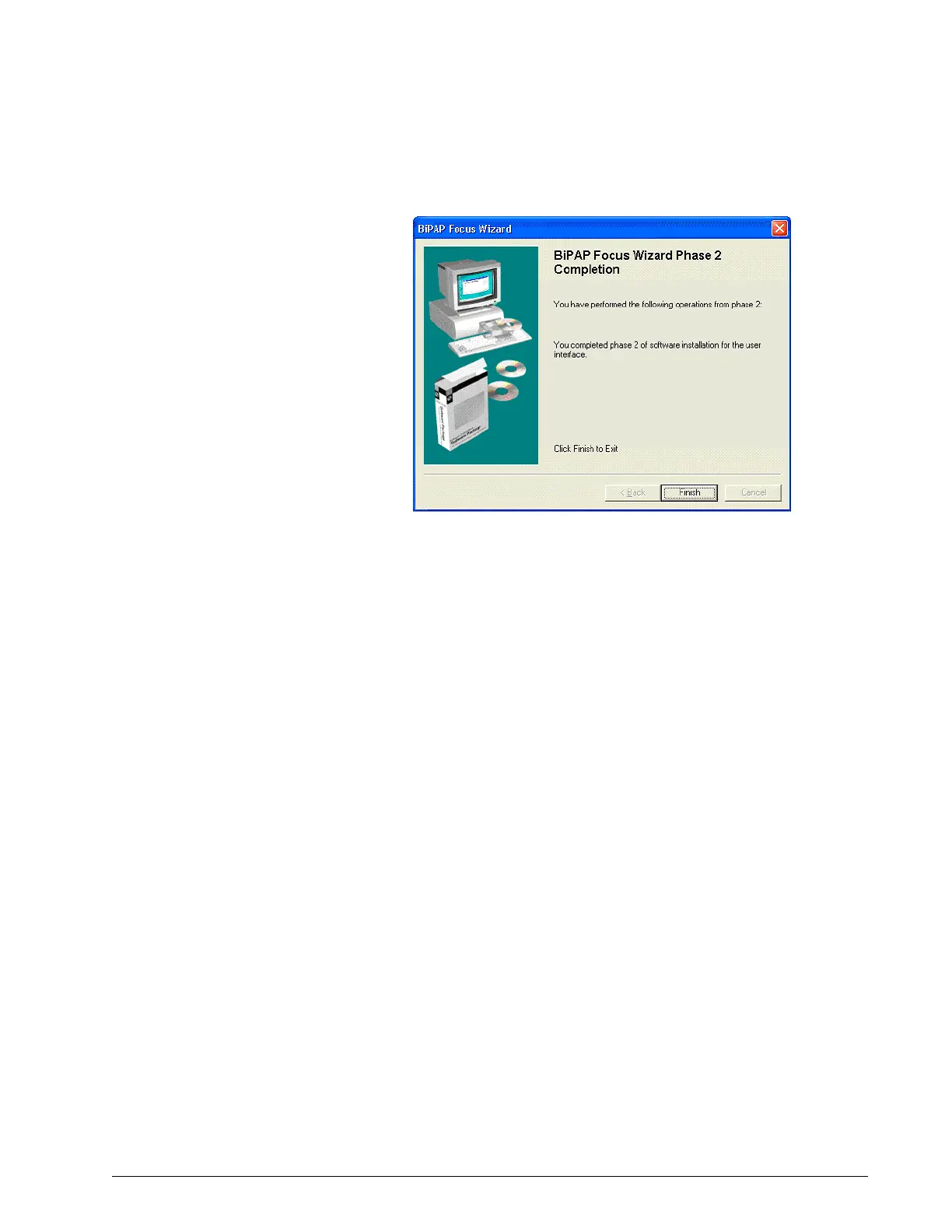
Figure 6-19: Phase 1 Complete
12. Once the download is complete the ventilator will reset.
13. Disconnect the communication cables.
14. Using the power switch on the back panel turn on power to the device.
15. Press the round Standby key on the front key panel to restart the
BiPAP Focus.
16. The ventilator must now be recalibrated. Proceed to Chapter 7:
Performance Verification.
Reprogramming the
BiPAP Focus Serial
Number
The serial number of each BiPAP Focus ventilator is stored in nonvolatile
memory on its UI PCB, and must be reprogrammed if you replace the UI PCB.
1. Be sure the serial number of the unit has been written down before
reprogramming the serial number.
2. Navigate to the wizard executable program:
TUI_download_wizard.exe
3. Double-click on TUI_download_wizard.exe.
This will open Phase 2 of the of the wizard.
To program the serial number:















 To Next Page