Transmission
50
1
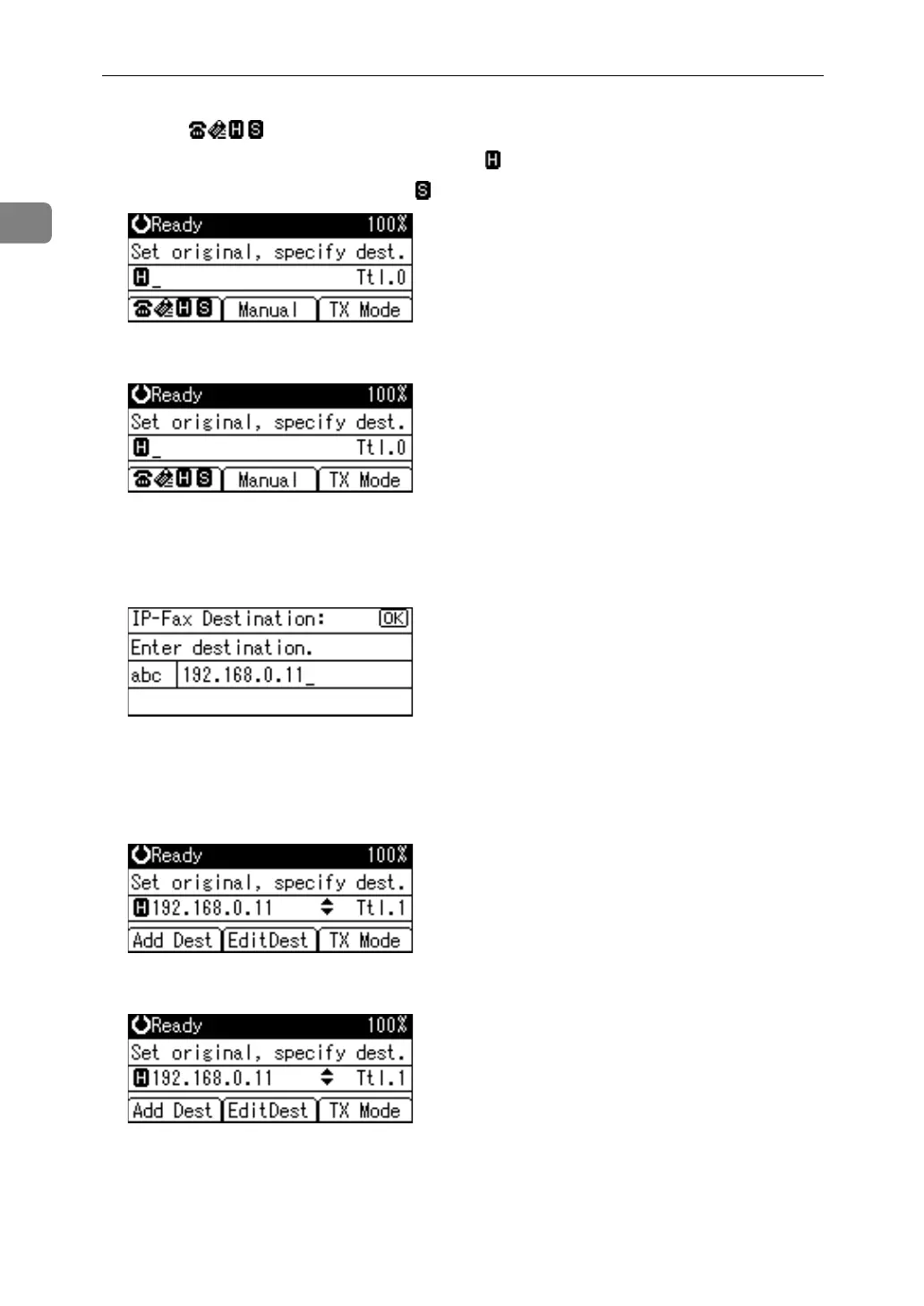
A Press [] to switch the destination to IP-Fax destination.
When using a gatekeeper server, select .
When using a SIP server, select .
B Press [Manual].
To specify a destination using a Quick Dial key, see “Using the Quick Dial
Keys”.
C Enter the IP-Fax destination, and then press the {OK} key.
If you enter an incorrect character, press the {Clear/Stop} key. Then, re-enter
the characters correctly.
To change the IP-Fax destination after pressing the {OK} key, press [EditDest],
re-enter an IP-Fax destination, and then press the {OK} key.
D To add a destination, press [Add Dest].


 To Next Page