1 March, 2000 PRINTING SECTION
6-13
Replacement
Adjustment
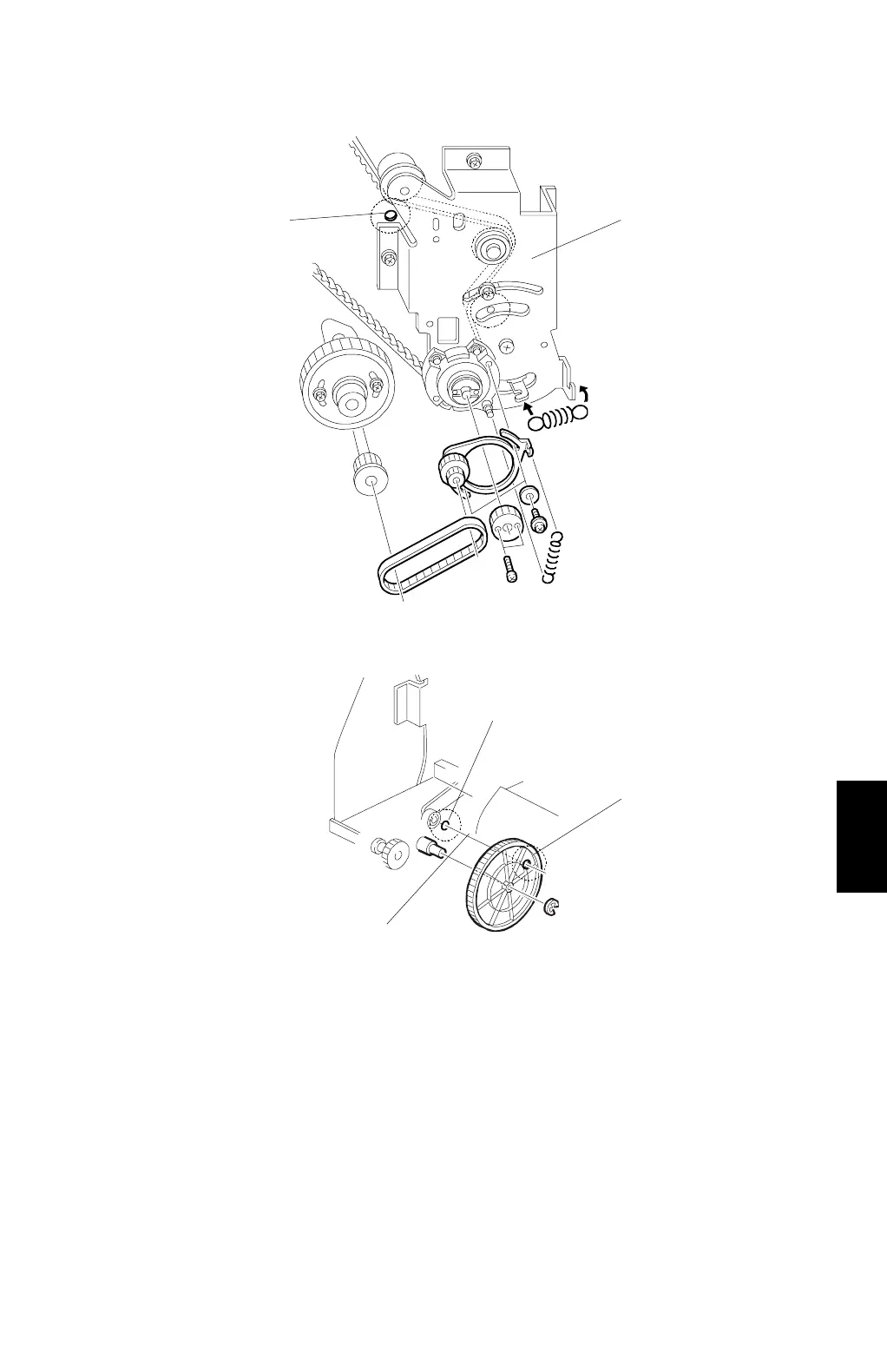
15. Install the bracket [M]
CAUTION:
Make sure that the positioning holes in the rear frame [N] and the
drive gear [O] are in line [P] as shown. If the holes are in line, the
paper exit pawl drive timing is OK. If they are not, make sure that
the holes are in line again.
16. Install the bearing (removed in step 11) on the bracket.
C232R506.WMF
C232R508.WMF
[M]
[N]
[O]
[N]
[P]



 To Next Page