1 March, 2000 PRINTING SECTION
6-15
Replacement
Adjustment
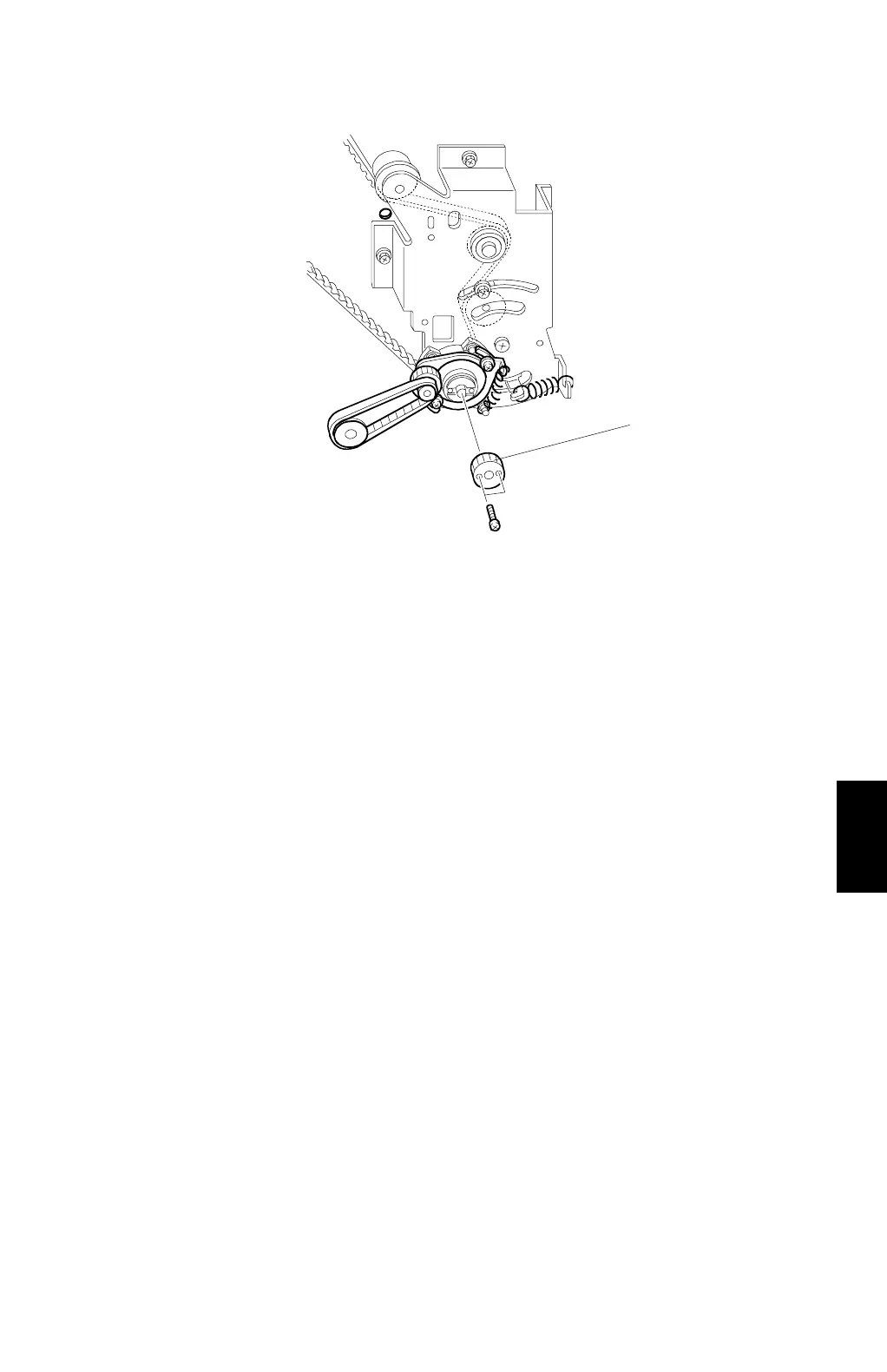
20. Install the gear [U].
21. Install the wire protection cover.
22. Install the main motor control board.
23. Install the rear cover.
24. Remove the drum drive securing tool.
C232R504.WMF
[U]



 To Next Page