Supplementary Information
149
4
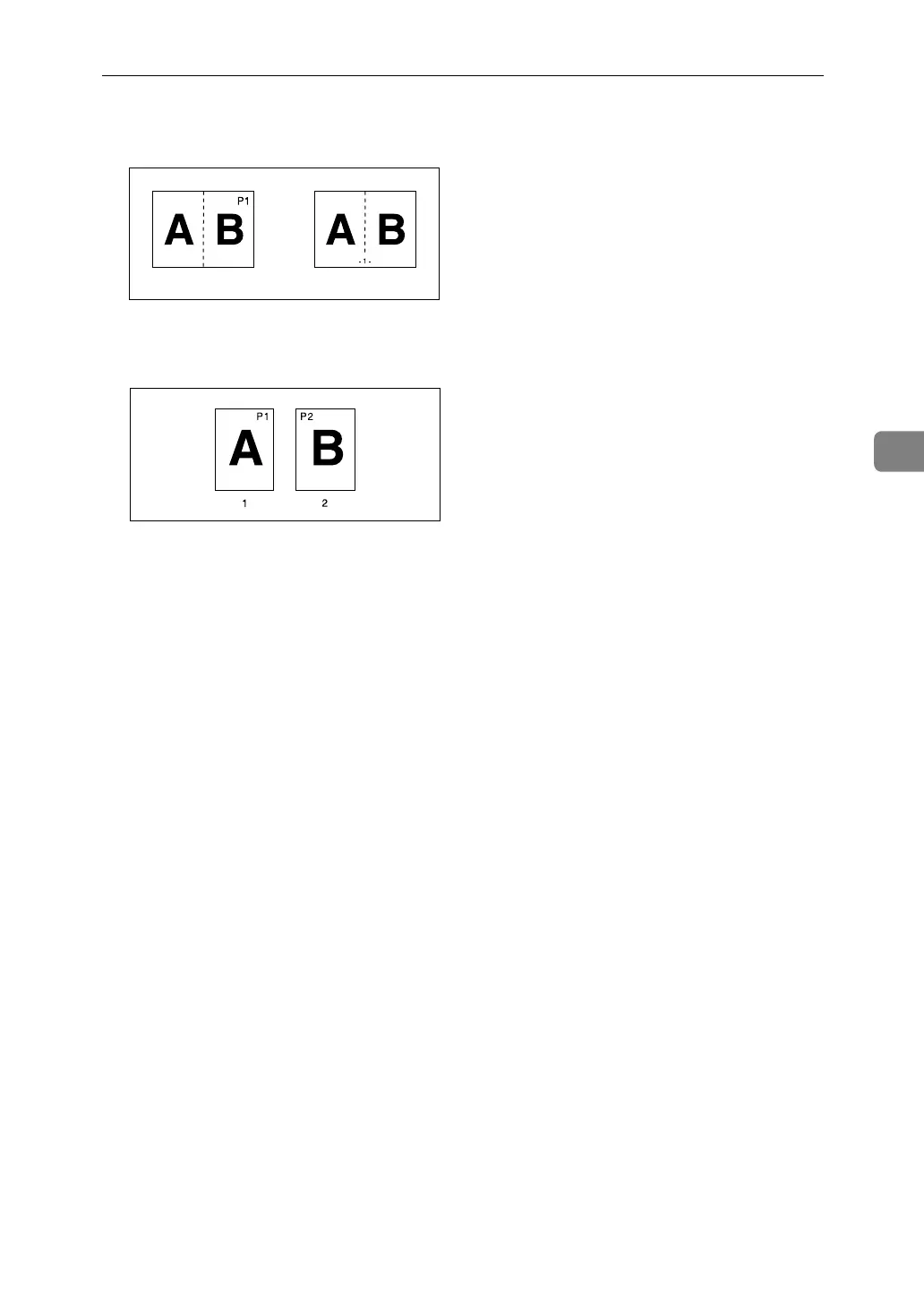
• Page Numbering per copy:
With 1 Sided/2 Sided using the Combine function
• If you use this function with the Duplex (Top to Top) function and select
[P1,P2] or [1/n, 2/n], page numbers on the back are printed as follows:
1 Front
2 Back
❖ Front Cover, Front/Back Covers
• If Blank is selected, the cover will not be counted as a copy.
• Front and back covers are two-sided copied depending on the settings
made in Display Time in Cover Sheet Tray of User Tools (System Settings).
• At Mode Selected… Depends on the setting done from Cover Sheet
Tray.
• Full Time… Depends on the setting done from Paper Type.
See “Tray Paper Settings”, General Settings Guide.
❖ Designate
• When “Combine (1 Sided→2 Sided)” has been selected, specified pages
will always be copied on the front of copies in the same way as in Chapters
function.
❖ Slip sheet
• If you do not copy onto slip sheets, they are excluded from the number of
copies counted.
GCANPE2E
GCSTMPBE



 To Next Page