Registering Fax Information
99
4
Programming/Changing Fax Header
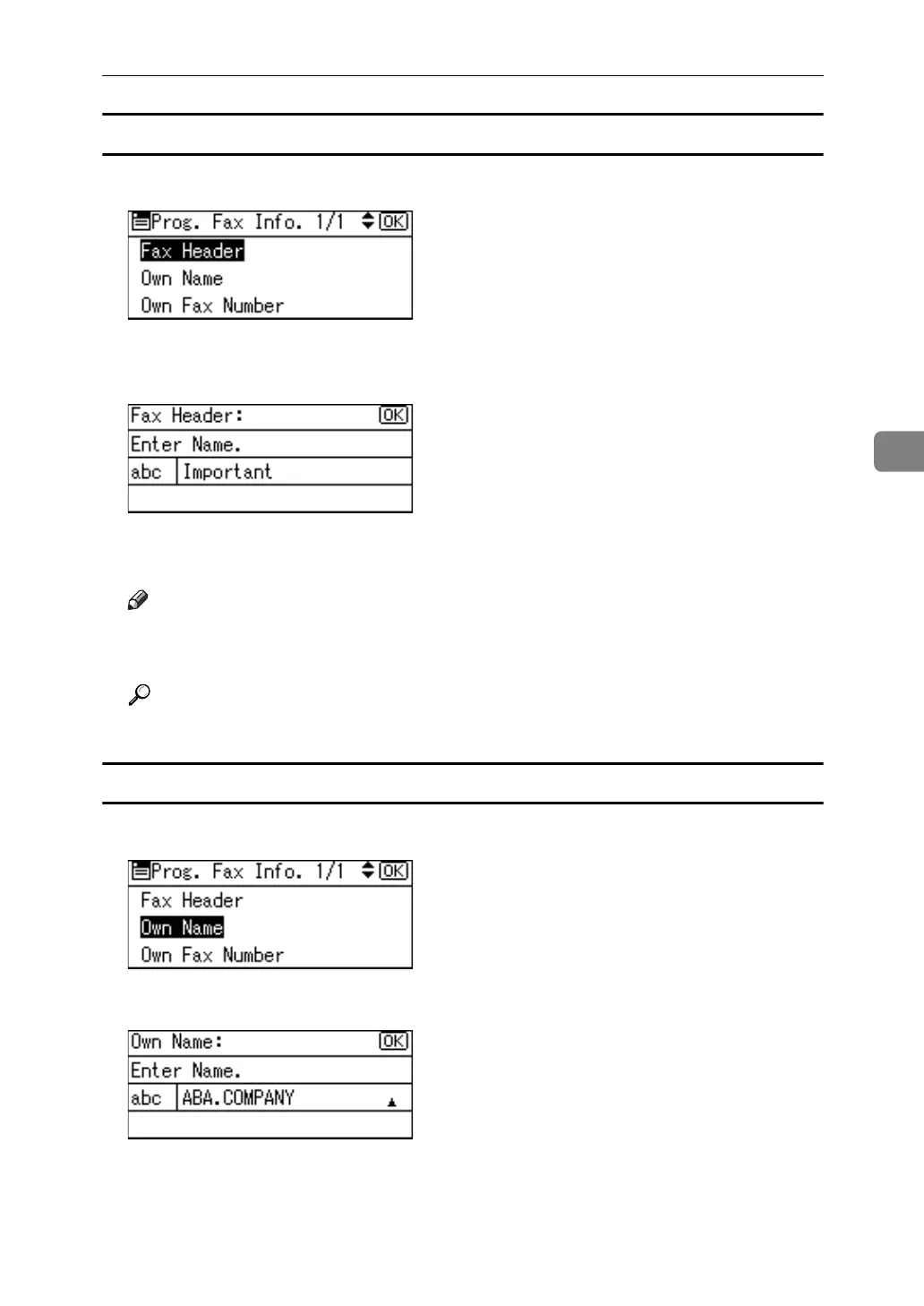
A Select [Fax Header] using {U} or {T}, and then press the {OK} key.
B Enter a fax header including your Own Name and Fax Number, and then
press the {OK} key.
To change the programmed Fax Header, press the {Clear/Stop} key, and then
enter again.
Note
❒ You can register up to 32 characters in the Fax Header.
❒ You can use characters, symbols, numbers, and spaces.
Reference
"Entering Text", About This Machine
Programming/Changing Own Name
A Select [Own Name] using {U} or {T}, and then press the {OK} key.
B Enter the own name, and then press the {OK} key.
To change the programmed Own Name, press the {Clear/Stop} key, and then
enter again.



 To Next Page