Fax Features
98
4
Registering Fax Information
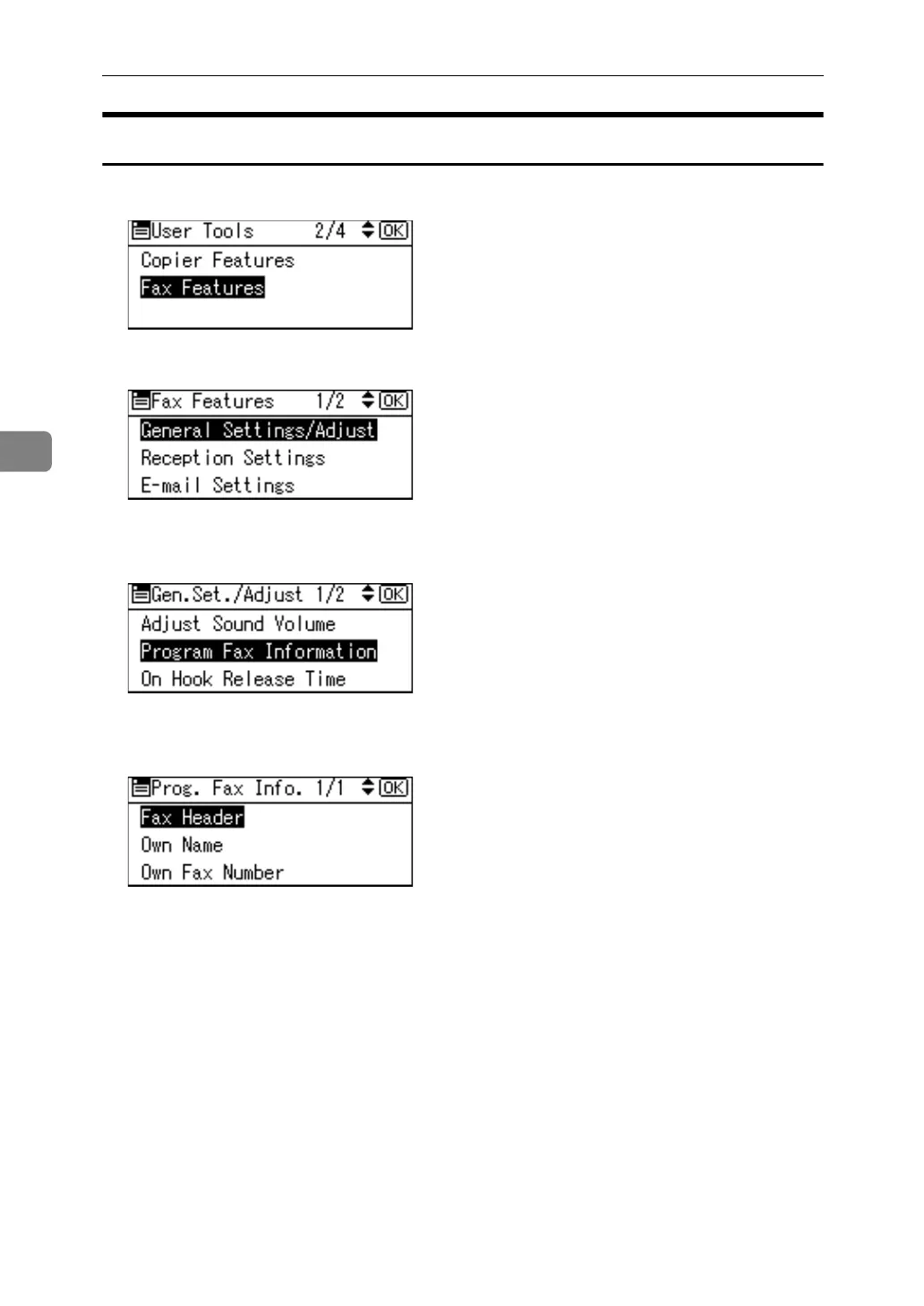
A Select [Fax Features] using {U} or {T}, and then press the {OK} key.
B Select [General Settings/Adjust] using {U} or {T}, and then press the {OK} key.
C Select [Program Fax Information] using {U} or {T}, and then press the {OK}
key.
D Select fax information you want to program/change using {U} or {T}, and
then press the {OK} key.
E Program/change the selected fax information, and then press the {OK} key.
F Press the {User Tools/Counter} key.



 To Next Page