Registering Addresses and Users for Facsimile/Scanner Functions
280
7
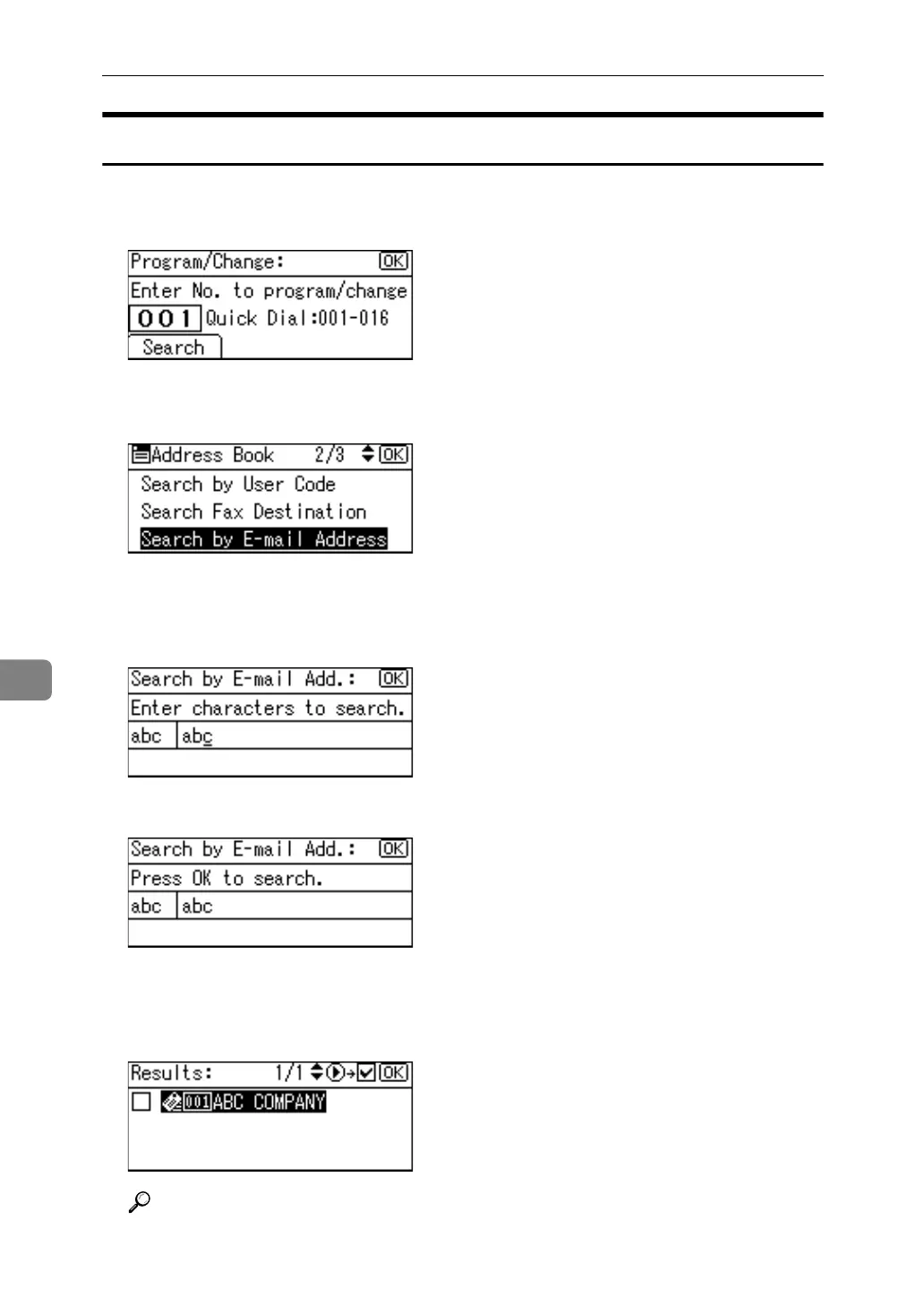
Searching by E-mail Address
Search the address book using registered e-mail addresses.
A Press [Search].
B Select [Search by E-mail Address] using {U} or {T}, and then press the {OK}
key.
C Enter the e-mail address you want to search for, and then press the {OK}
key.
You can also search by entering part of the e-mail address.
D Press the {OK} key.
The search results appear.
E Select the name using {U} or {T}, then confirm it by pressing {V}, and then
press the {OK} key.
Reference
"Entering Text", About This Machine



 To Next Page