Forwarding
105
4
F Press the {User Tools/Counter} key.
Reference
p.107 “Parameter Setting” (switch 21, bit 3)
p.205 “Registering Folders”
Canceling Receiver Settings
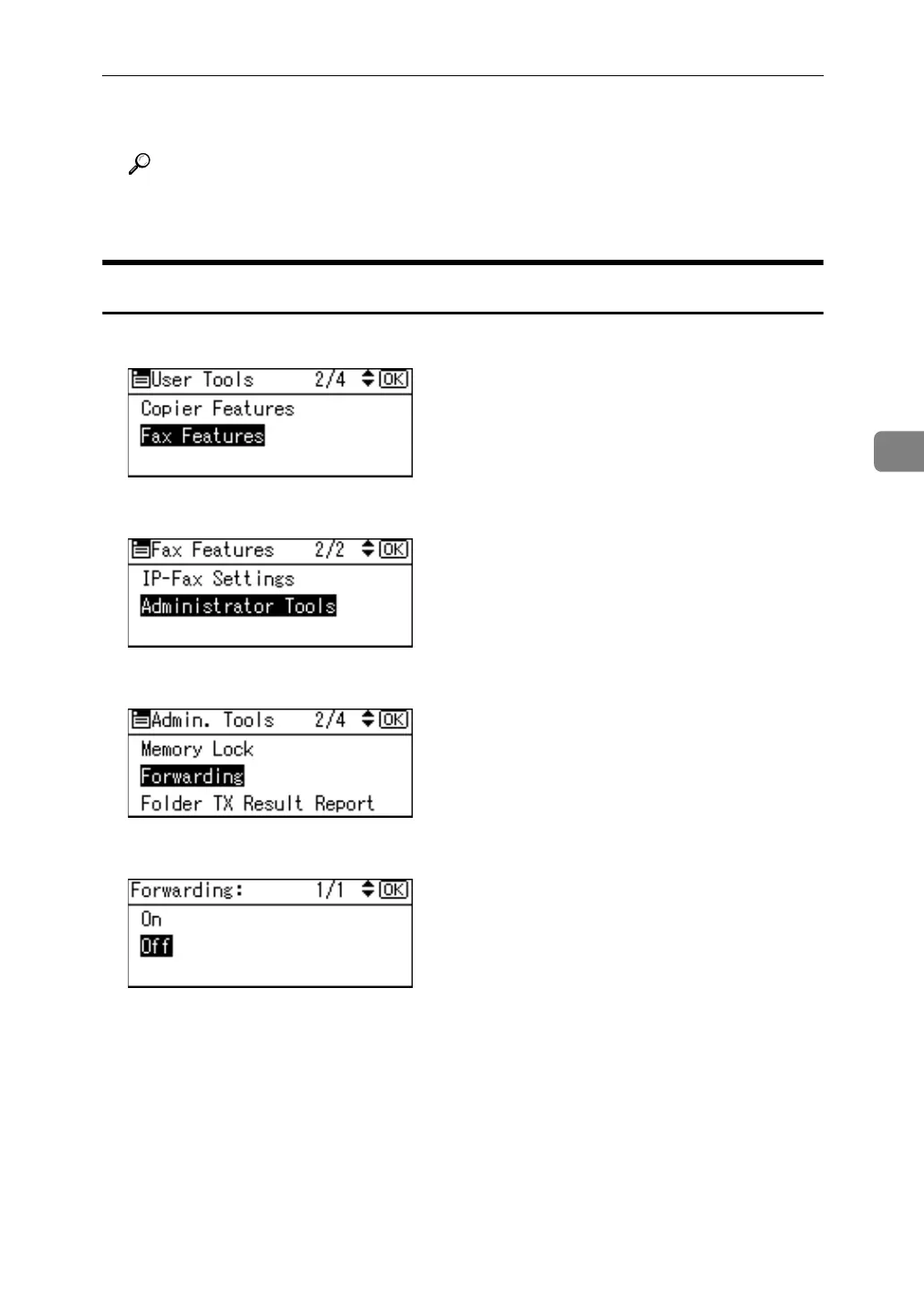
A Select [Fax Features] using {U} or {T}, and then press the {OK} key.
B Select [Administrator Tools] using {U} or {T}, and then press the {OK} key.
C Select [Forwarding] using {U} or {T}, and then press the {OK} key.
D Select [Off] using {U} or {T}, and then press the {OK} key.
The set receiver name is deleted.
E Press the {User Tools/Counter} key.



 To Next Page