Printer Features
130
5
❖ Hex Dump
You can print in the Hex Dump mode.
Note
❒ The layout of the list produced by the test print is fixed to A4 (letter size). We
recommend you load A4 or letter size paper (plain or recycled) in one of the
paper trays.
❒ The tray that contains A4 (letter) size paper is automatically selected. If A4
(letter) size paper is not loaded in any of the paper trays, Paper Tray Priority
is selected. If the paper size loaded in the Paper Tray Priority is smaller than
A4 (letter) size, the edges may be lost. If the paper size placed in the Paper
Tray Priority is larger than A4 (letter) size, margins may become too large.
Reference
p.4 “Accessing User Tools”
"Printer Features Parameters", Printer/Scanner Features
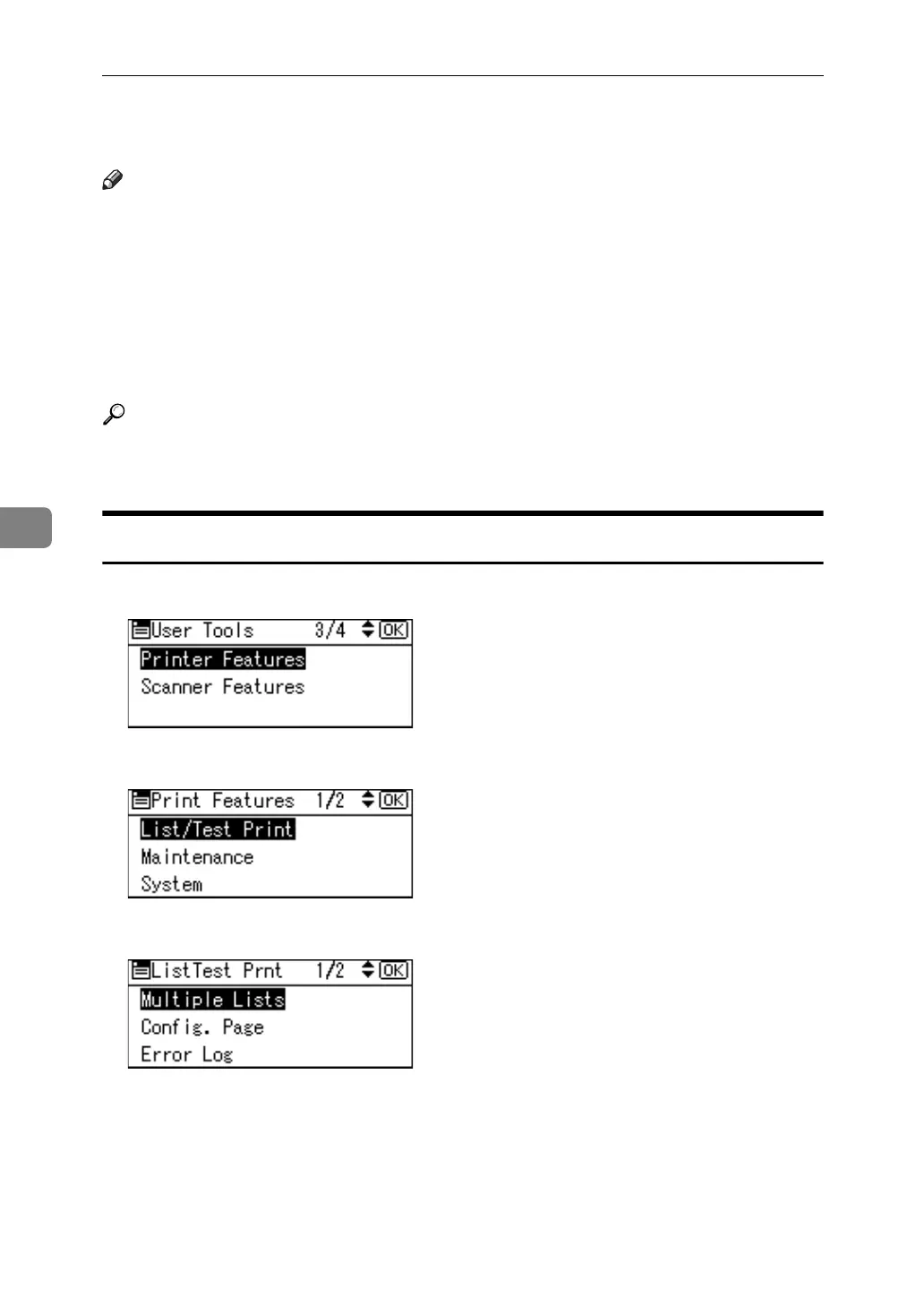
Printing the List/Test page
A Select [Printer Features] using {U}or {T}, and then press the {OK} key.
B Select [List/Test Print] using {U}or {T}, and then press the {OK} key.
C Select desired list to print using {U}or {T}, and then press the {OK} key.
D Press the {User Tools/Counter} key.



 To Next Page