Authentication Information
161
7
N Press [End].
O Press the {OK} key.
P Press the {User Tools/Counter} key.
Note
❒ You can enter a one-to eight-digit user code.
❒ For registration of a name, see "Registering Names".
Reference
p.152 “Registering Names”
Changing a User Code
This section describes how to change a user code.
Important
❒ Even if you change a user code, the counter value will not be cleared.
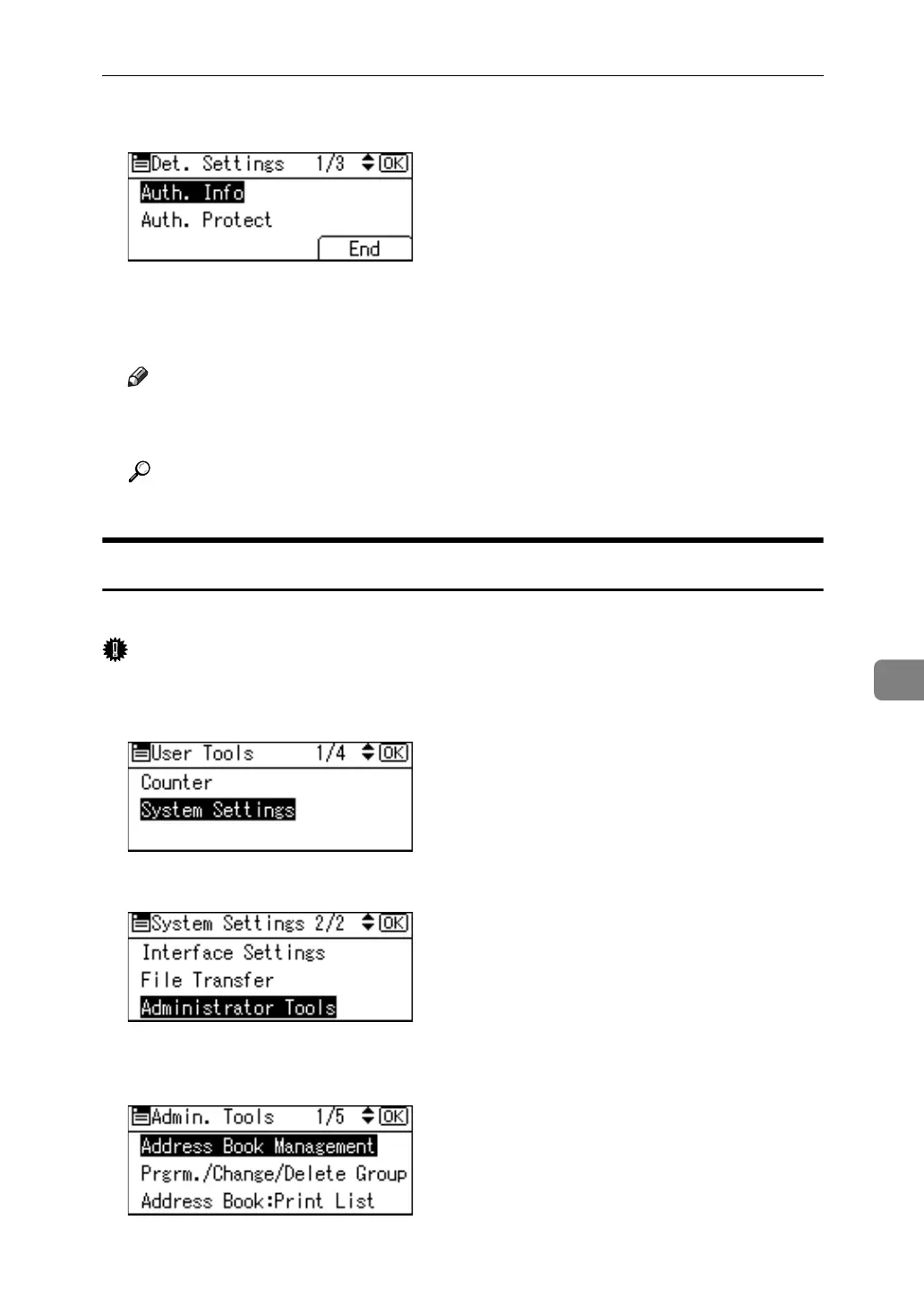
A Select [System Settings] using {U} or {T}, and then press the {OK} key.
B Select [Administrator Tools] using {U} or {T}, and then press the {OK} key.
C Select [Address Book Management] using {U} or {T}, and then press the {OK}
key.



 To Next Page