System Settings
66
2
Programming the LDAP Server
This section explains how to specify the LDAP server settings.
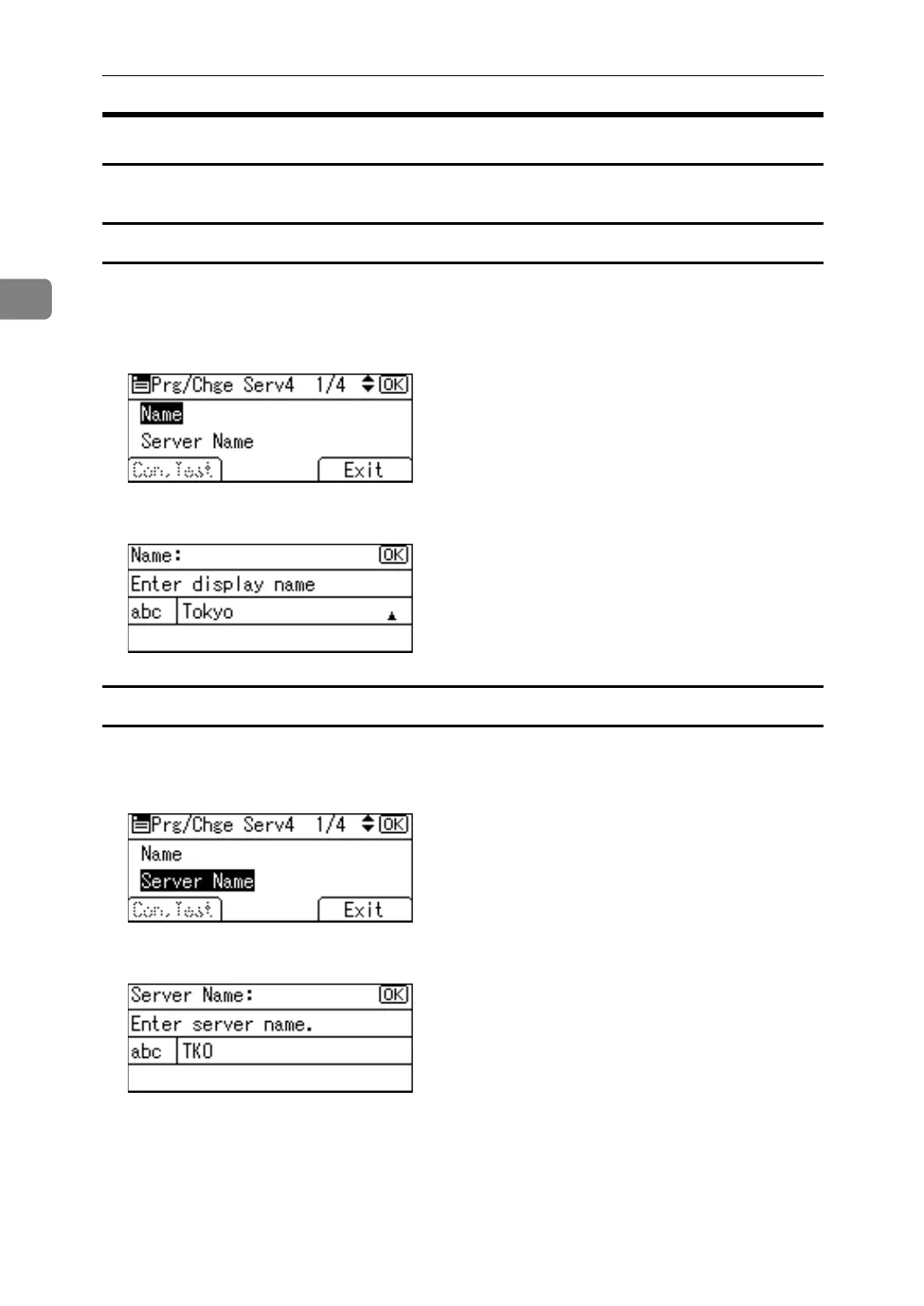
Entering an identification name
A Select [Name] using {U} or {T}, and then press the {OK} key.
Register a name for the LDAP server to appear on the server selection screen
of the LDAP search operation.
B Enter the name and then press the {OK} key.
Entering a server name
A Select [Server Name] using {U} or {T}, and then press the {OK} key.
Register LDAP Server host name or IPv4 address.
B Enter the server name, and then press the {OK} key.



 To Next Page