Connecting the Machine to a Telephone Line and Telephone
37
1
Connecting the Machine to a Telephone
Line and Telephone
This section describes how to connect the machine to the telephone lines and se-
lect the line type.
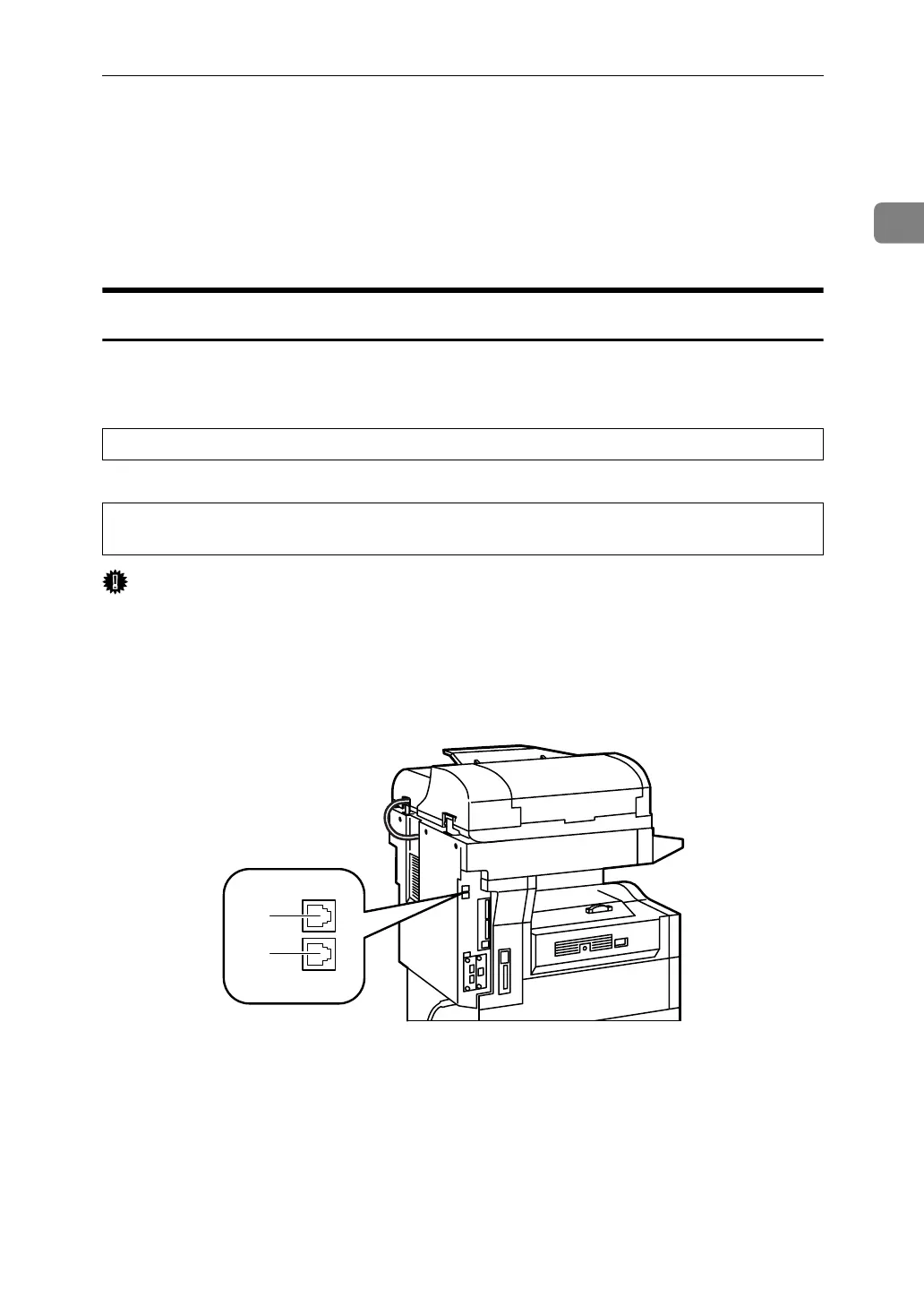
Connecting the Telephone Line
To connect the machine to a telephone line, use a snap-in modular type connec-
tor.
CAUTION:
RATTENTION:
Important
❒ By law in the United States, you must program your phone number identifi-
cation (your fax number) into your machine before you can connect the public
phone system. See "Registering Fax Information".
❒ Make sure the connector is the correct type before you start.
1. G3 (analog) line interface connec-
tor
2. External telephone connector
• To reduce the risk of fire, use only No. 26 AWG or larger telecommunication line cord.
• Pour réduire le risque d'incendie, utiliser uniquement des conducteurs de télécommunica-
tions 26 AWG ou de section supérieure.
ARH006S
1
2



 To Next Page