Program Special Sender
121
4
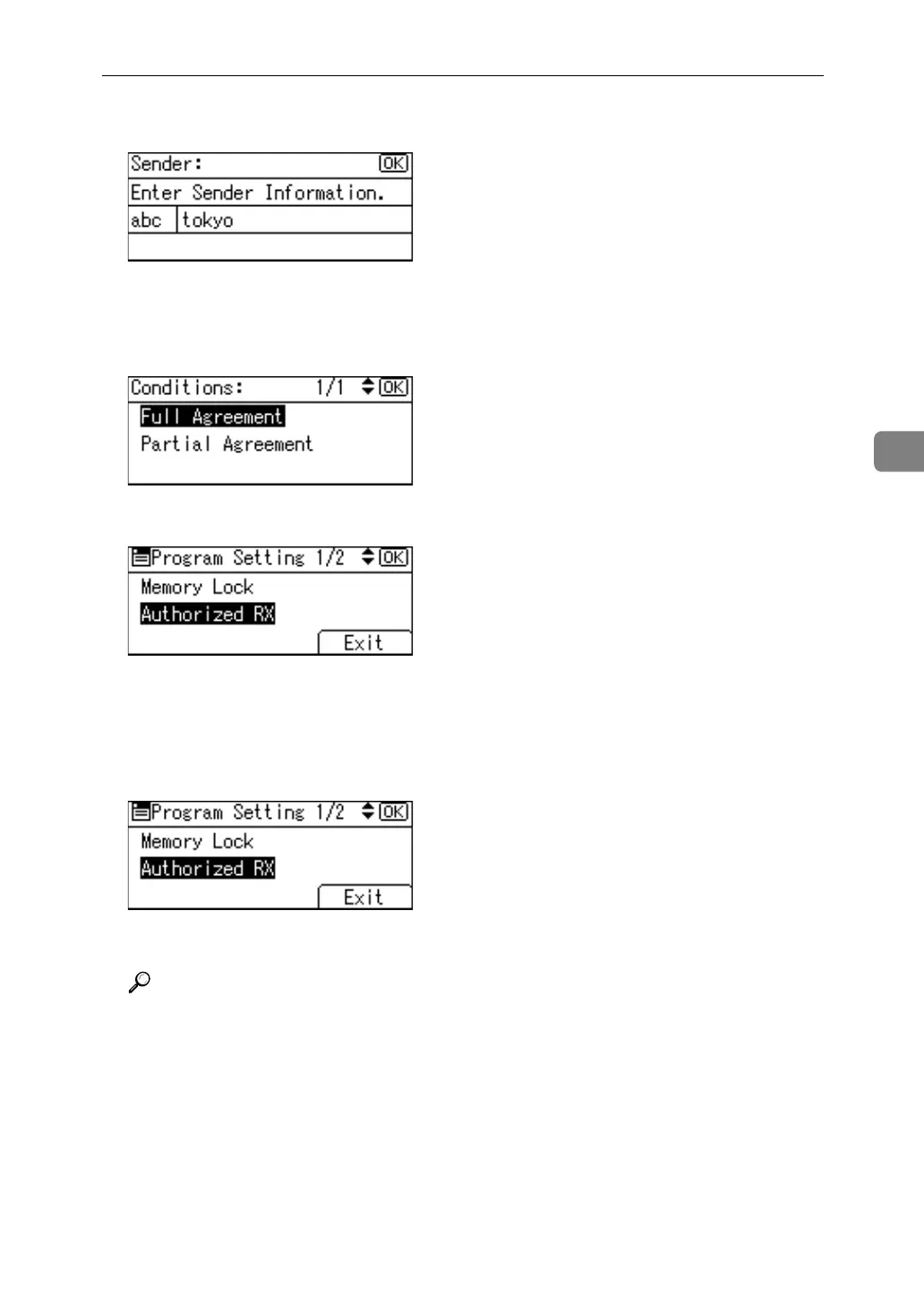
F Enter the sender name, and then press the {OK} key.
Enter a destination name using Own Name or Own Fax Number.
G Select [Full Agreement] or [Partial Agreement] using {U} or {T}, and then press
the {OK} key.
H Select items using {U} or {T}, and then press the {OK} key.
You must select only the item you want to program.
To cancel these settings, press the {Escape} key. The display returns to that of
step
E
.
I Press [Exit].
J Press the {User Tools/Counter} key.
Reference
p.122 “Authorized RX (Authorized Reception)”
p.122 “Forwarding”
p.124 “Memory Lock”



 To Next Page