Registering Names
155
7
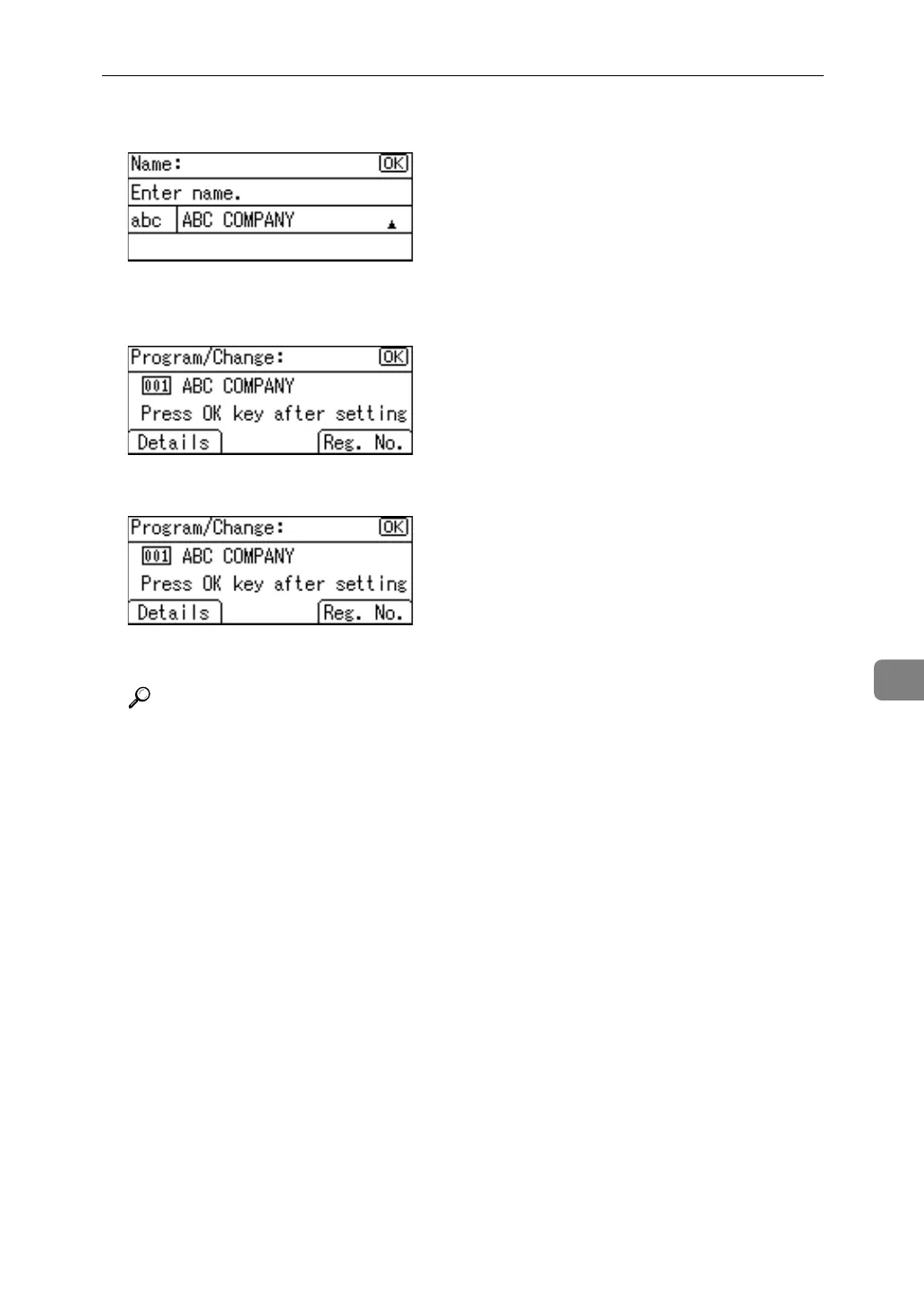
F Enter the new name, and then press the {OK} key.
G To change a registration number, press [Reg. No.]. Using the number keys or
a Quick Dial key, enter a new number, and then press the {OK} key.
H Press the {OK} key.
I Press the {User Tools/Counter} key.
Reference
"Entering Text", About This Machine



 To Next Page