Authentication Information
167
7
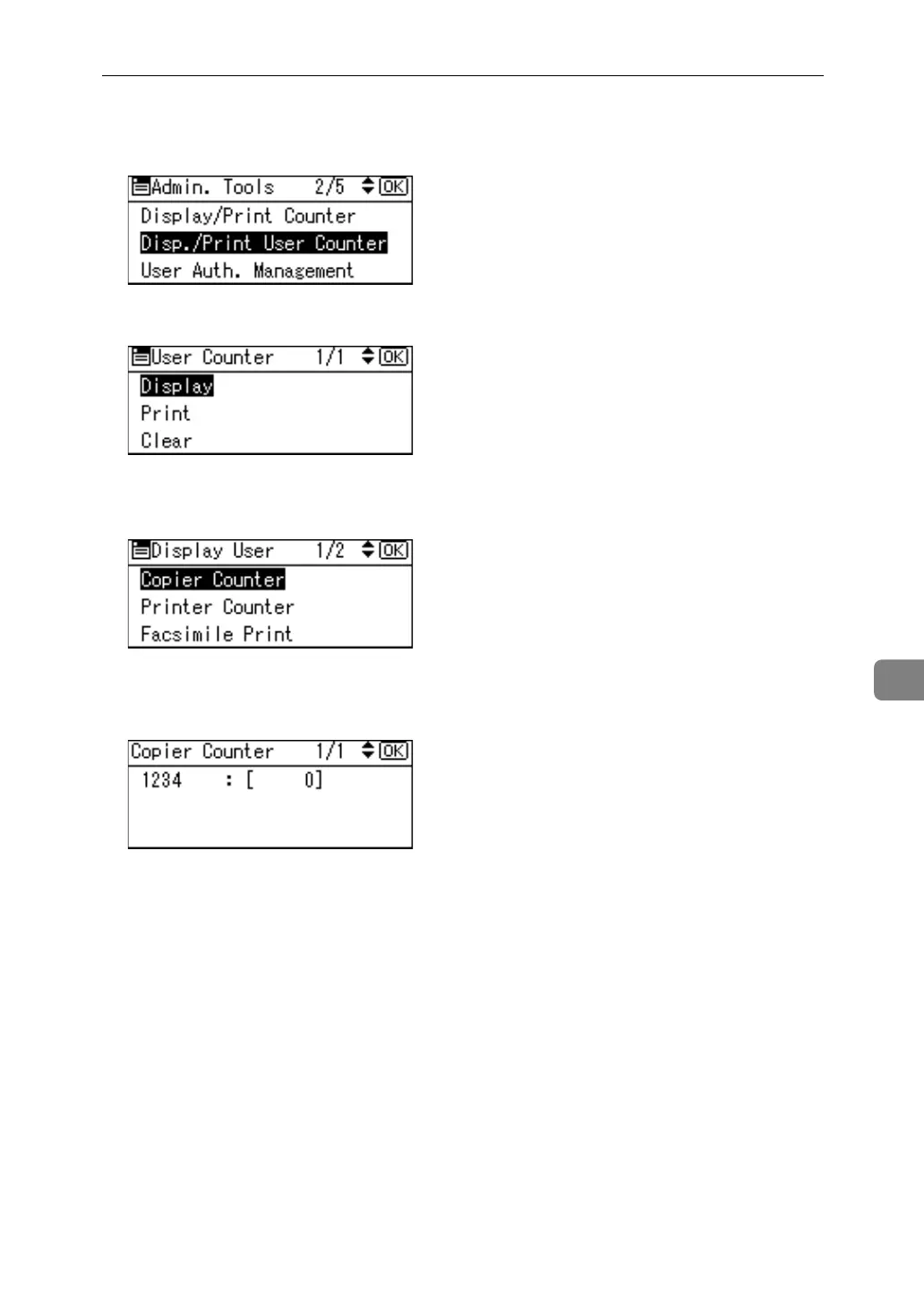
C Select [Disp./Print User Counter] using {U} or {T}, and then press the {OK}
key.
D Select [Display] using {U} or {T}, and then press the {OK} key.
E Select the function you want to display the counter for using {U} or {T},
and then press the {OK} key.
Counters for individual function usage under each user code appear.
F Press the {OK} key.
G Press the {User Tools/Counter} key.



 To Next Page