Fax Destination
181
7
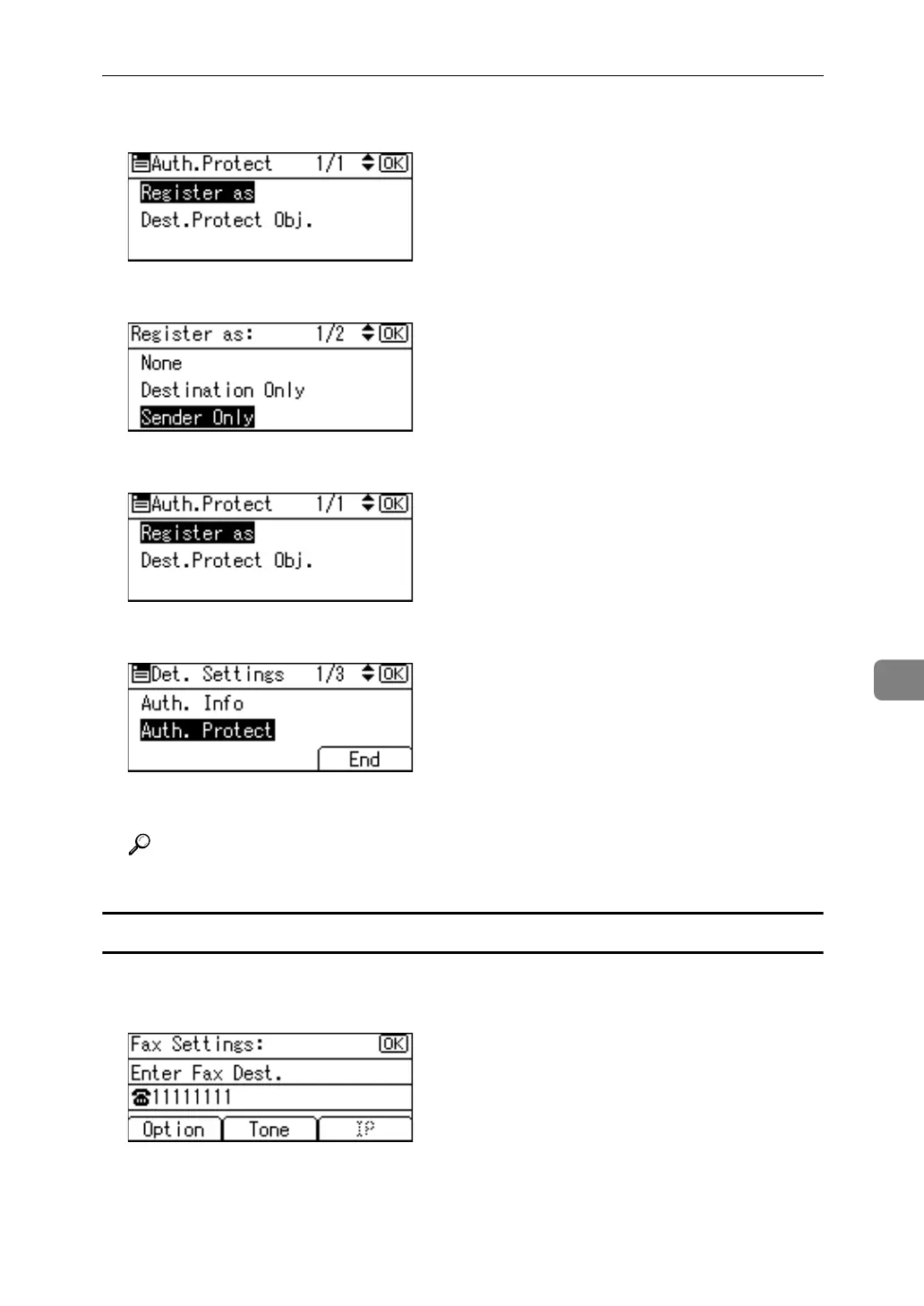
C Select [Register as] using {U} or {T}, and then press the {OK} key.
D Select [Sender Only] using {U} or {T}, and then press the {OK} key.
E Press the {Escape} key.
F Press [End].
G Press the {OK} key.
Reference
p.158 “Registering a User Code”
Changing a fax number
A Enter the new fax number using the number keys, and then press the {OK}
key.



 To Next Page