E-mail Destination
201
7
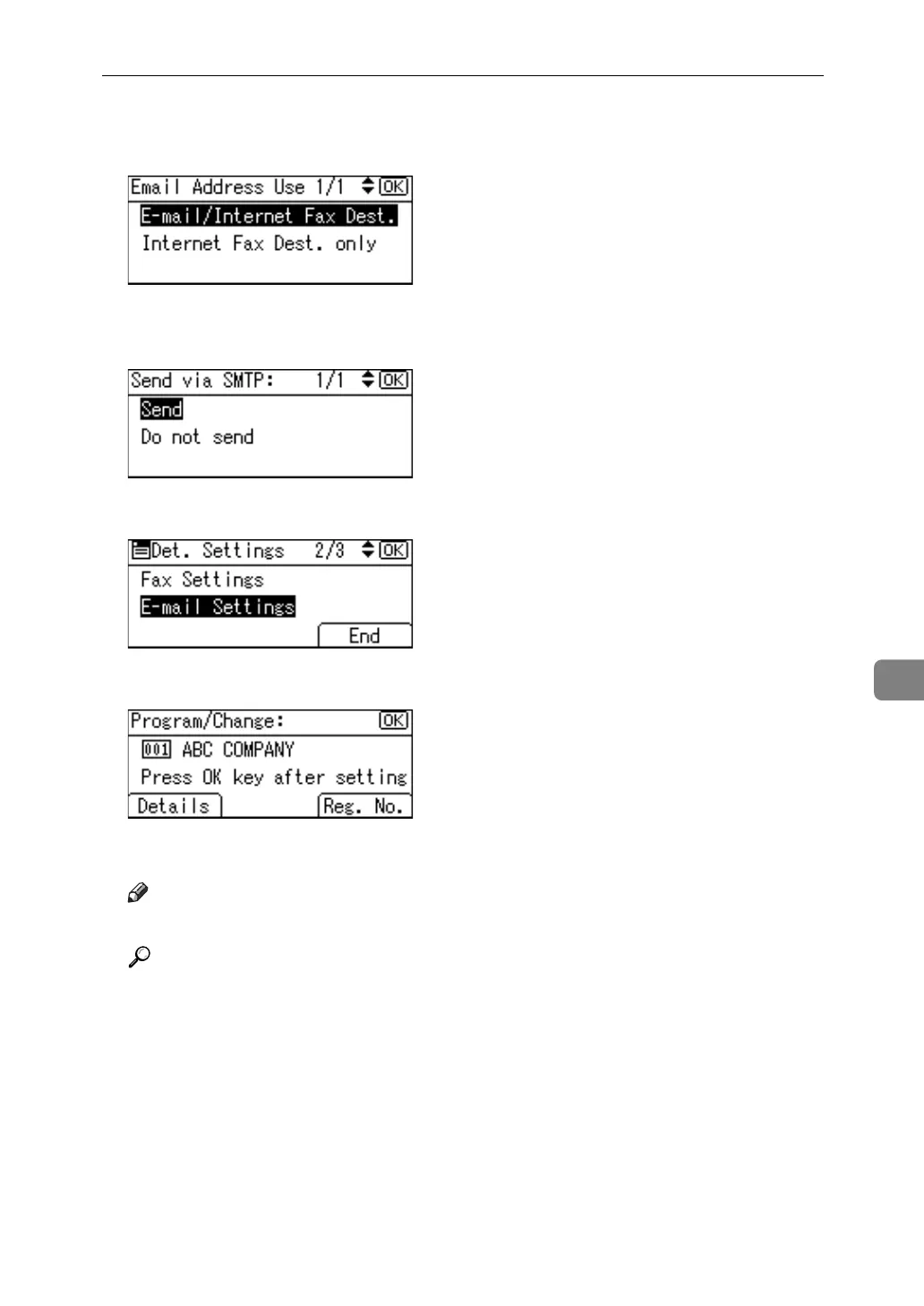
J Select [E-mail/Internet Fax Dest.] or [Internet Fax Dest. only] using {U} or {T}, and
then press the {OK} key.
K Select [Send] or [Do not send] to specify whether or not SMTP server is to be
used using {U} or {T}, and then press the {OK} key.
L Press [End].
M Press the {OK} key.
N Press the {User Tools/Counter} key.
Note
❒ To change the name, see "Changing a Name".
Reference
p.154 “Changing a Registered Name”
"Entering Text", About This Machine



 To Next Page