Registering Folders
207
7
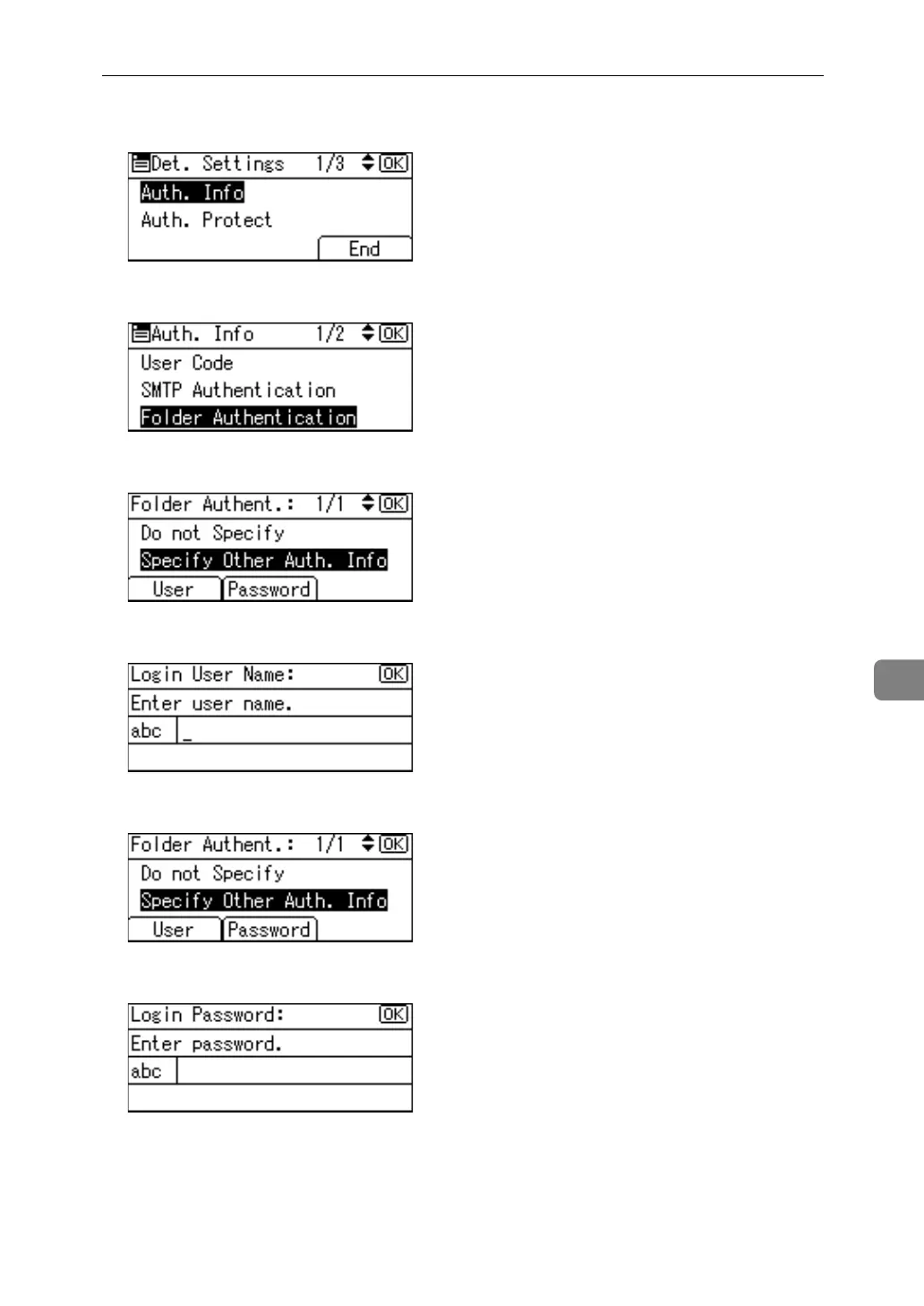
H Select [Auth. Info] using {U} or {T}, and then press the {OK} key.
I Select [Folder Authentication] using {U} or {T}, and then press the {OK} key.
J Select [Specify Other Auth. Info] using {U} or {T}, and then press [User].
K Enter the login user name, and then press the {OK} key.
L Press [Password].
M Enter the password, and then press the {OK} key.



 To Next Page