Registering Folders
237
7
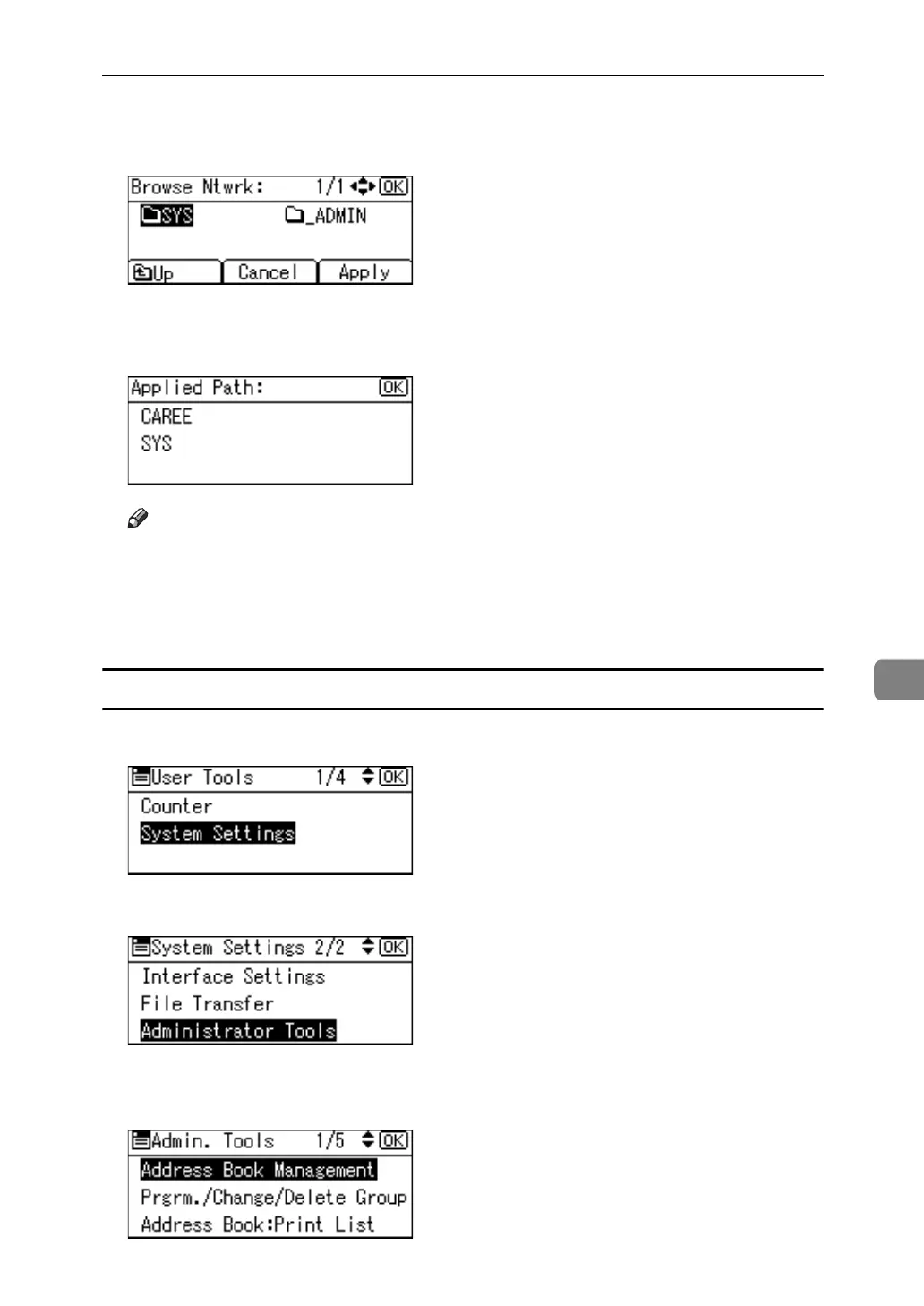
C Search for the destination folder in the NDS tree or NetWare server, and
then press [Apply].
You can press [Up] to switch between levels.
D Press the {OK} key.
Note
❒ Only the folders you are allowed to access appear in [Browse Network].
❒ If the languages used on the machine and the destination you want to view
differ, the items in the list may not appear correctly.
❒ Up to 100 items can be displayed in the list.
Changing the NCP registered folder
A Select [System Settings] using {U} or {T}, and then press the {OK} key.
B Select [Administrator Tools] using {U} or {T}, and then press the {OK} key.
C Select [Address Book Management] using {U} or {T}, and then press the {OK}
key.



 To Next Page