Registering Addresses and Users for Facsimile/Scanner Functions
266
7
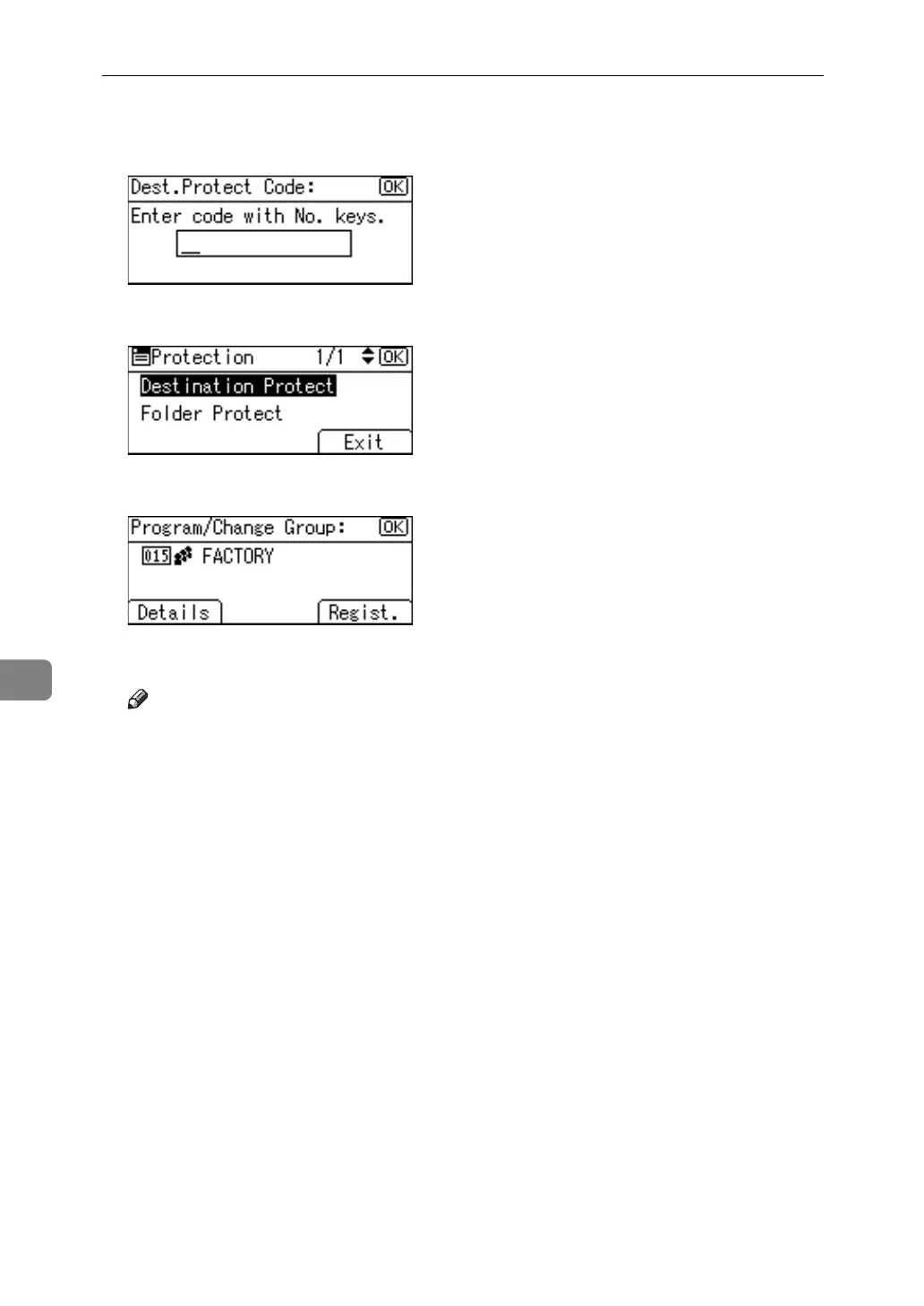
L Enter a protection code using the number keys, and then press the {OK}
key.
M Press [Exit], and then press [End].
N Press the {OK} key.
O Press the {User Tools/Counter}.
Note
❒ Specify a protection code of up to eight digits. You can also specify "Pro-
tection" without specifying a protection code.



 To Next Page