User Code (For machines with copier function only or with the DDST Unit)
77
2
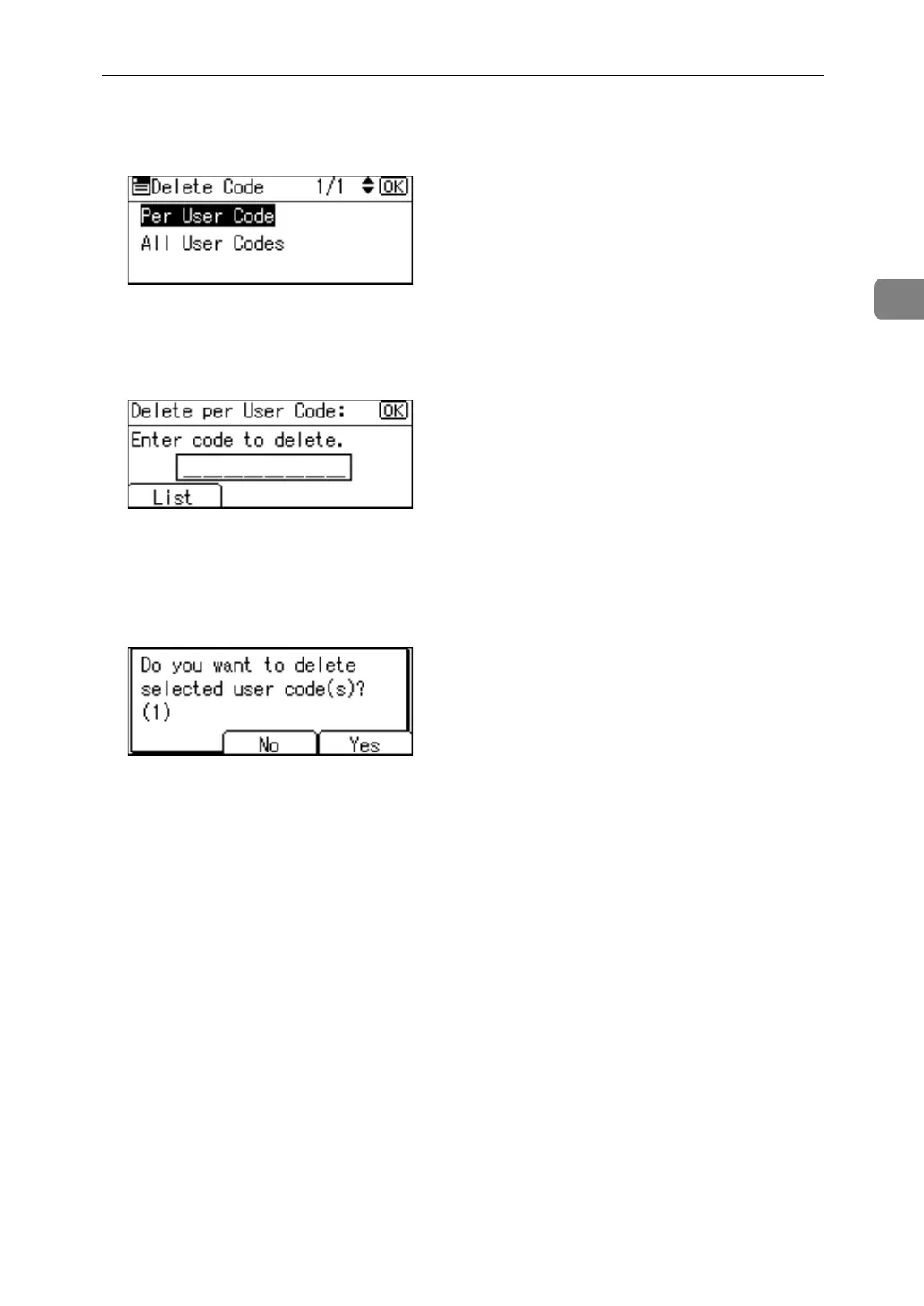
E Select [Per User Code] or [All User Code] using {U} or {T}, and then press the
{OK} key.
When selecting [All User Code], a confirmation message appears. Press [Yes].
F Enter the registered user code you want to delete using the number keys,
and then press the {OK} key.
When you select the user code from the User Code List, press [List]. Select the
user codes you want to delete using {U} or {T}, then confirm it by pressing
{V}, and then press the {OK} key.
G Press [Yes].
The “Deleted.” message appears, and then the “User Code” display returns.
H Press the {User Tools/Counter} key.



 To Next Page