However, since the folding strength is high, toner cracking may occur at fold lines. In such a
case, toner cracking at fold lines may be reduced by adjusting the offset amount to 0 mm.
Difference in Alignment and Folding Strength
Difference in Alignment Folding Strength
Thickness of the
booklet
The amount of toner
sticking to the folding
line
3mm (default) Strong Thin OK
0mm Weak Thick Good
5. Close the bracket after the adjustment.
6. Reassemble the machine.
Adjusting the Folding Speed
You can adjust the thickness of the booklet by adjusting the moving speed of the flat fold booklet unit.
If you want to make the booklet thinner, set a slower speed. If you want to make the booklet thicker, set
a faster speed.
1. Enter the SP mode.
2. Set the moving speed of the flat fold booklet unit for each paper size with SP6-114-001 to
010 (Fold Speed Adj.: 2K/3K FIN).
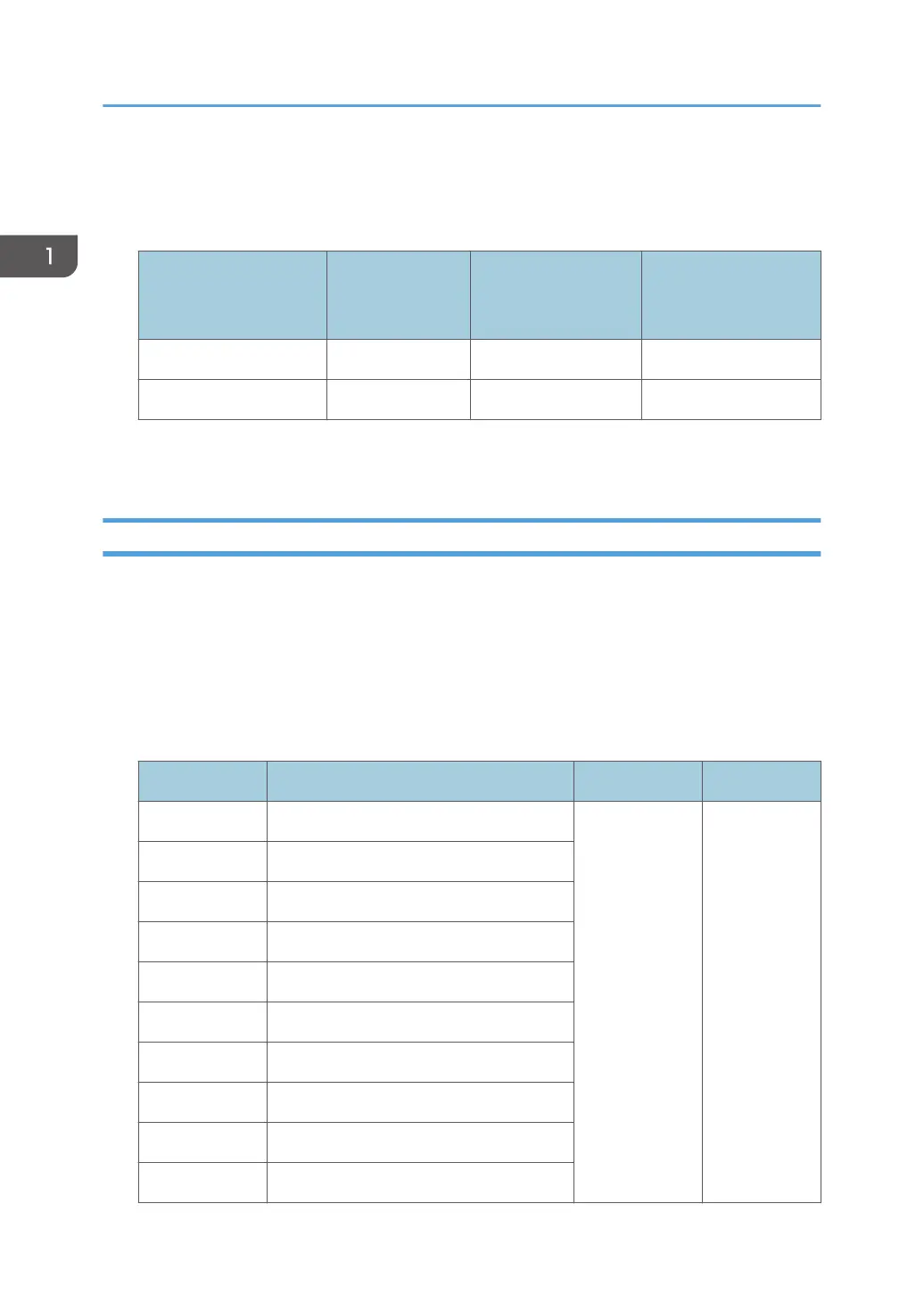
SP Setting Items Selection Default Value
SP6-114-001 Fold Speed Adj.: 2K/3K FIN: A3 SEF
0: Standard
*
1: Middle
2: Low
0: Standard
SP6-114-002 Fold Speed Adj.: 2K/3K FIN: B4 SEF
SP6-114-003 Fold Speed Adj.: 2K/3K FIN: A4 SEF
SP6-114-004 Fold Speed Adj.: 2K/3K FIN: B5 SEF
SP6-114-005 Fold Speed Adj.: 2K/3K FIN: DLT SEF
SP6-114-006 Fold Speed Adj.: 2K/3K FIN: LG SEF
SP6-114-007 Fold Speed Adj.: 2K/3K FIN: LT SEF
SP6-114-008 Fold Speed Adj.: 2K/3K FIN: 12"×18"
SP6-114-009 Fold Speed Adj.: 2K/3K FIN: 8K SEF
SP6-114-010 Fold Speed Adj.: 2K/3K FIN: Other
1. Replacement and Adjustment
90



 To Next Page