1.Replacement and Adjustment
28
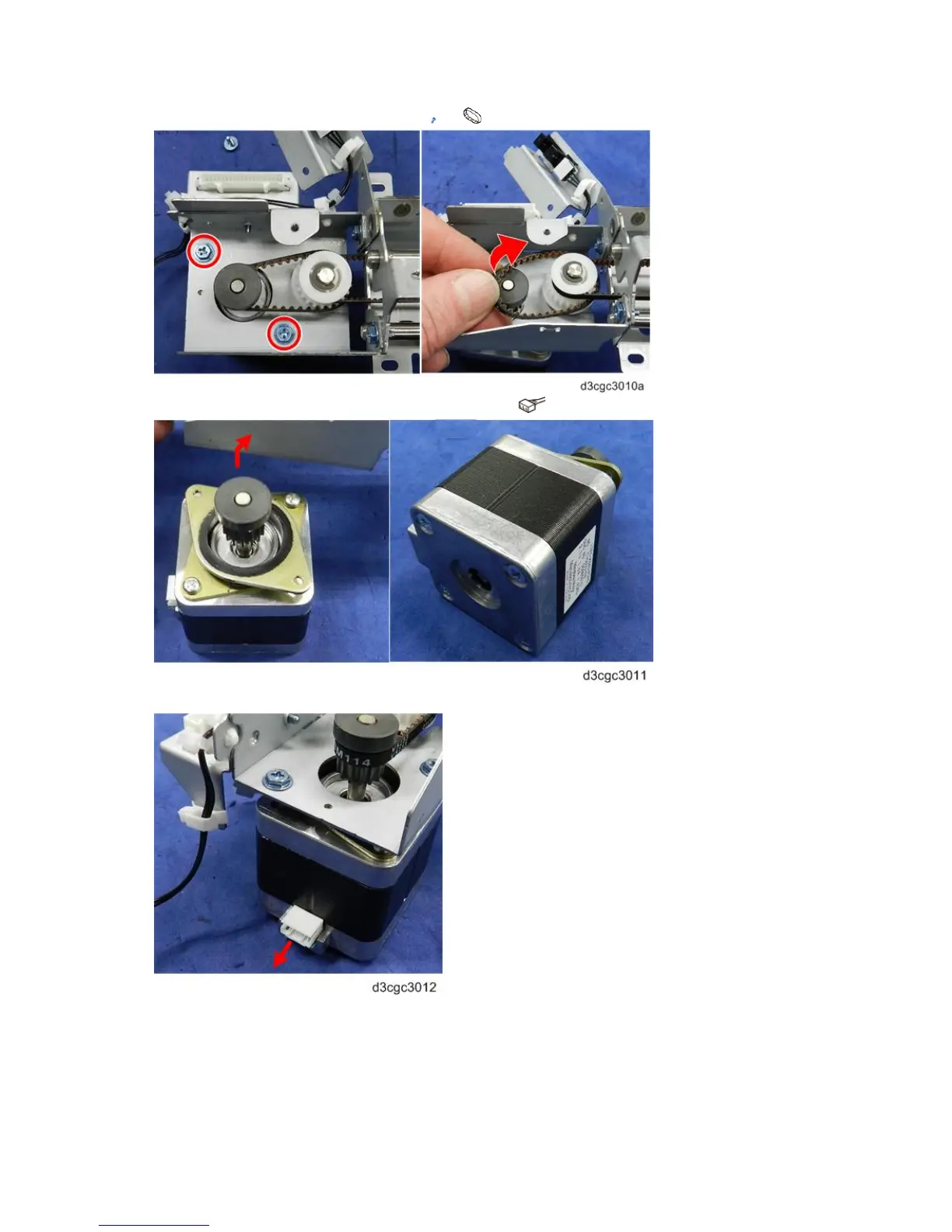
4. Unfasten the motor, and disconnect the belt ( x2, x1).
5. Disconnect the motor harness, and then remove the motor ( x1).
6. When you re-install the motor, make sure that the connector is pointing to the back of the unit.



 To Next Page